Reviews are independent. Prices are indicative (SGD) and change often — always check the latest price before buying. We may earn a commission from some links.
Building a Yale smart home in Singapore usually starts at the front door, since Yale’s reputation here is built on trusted digital locks that now tie into an app-driven ecosystem. Beyond the lock, the Yale Home app, Wi-Fi connect bridges and access-sharing features let you manage entry, guest codes and door status from your phone. This guide covers the Yale products worth building around, how they work together, and what a realistic Yale-centred smart home looks like for an HDB flat or condo.
We wrote this for homeowners who want a dependable, security-first ecosystem rather than a sprawling DIY sensor network. Our picks centre on Yale’s actual Singapore line-up — its digital locks, connectivity add-ons and access management — grouped by what job each does. We weigh HDB and condo door compatibility, how well the app handles remote access, and the strength of Yale’s local installer and warranty network, which is a big reason people choose it. Prices are indicative SGD ranges that move with promotions and often bundle installation, so check the latest price and confirm whether fitting is included before you commit to a particular lock.
What to look for in Singapore
- Start with the lock: your Yale digital lock is the hub of the ecosystem, so pick one that fits your door type and unlock preferences first.
- Connectivity bridge: check whether the model needs a Wi-Fi Connect bridge for remote access and notifications, or has Wi-Fi built in.
- App ecosystem: the Yale Home / Access app manages codes, users and door history, so confirm your model is supported.
- Voice and platform support: verify Google Home, Alexa or Apple Home compatibility if you want voice or wider automations.
- Guest and family access: temporary and scheduled PINs are ideal for helpers, tutors or visiting family in condos.
- Door compatibility: confirm fit for HDB fire doors, metal gates or condo timber doors, and whether pro installation is needed.
- Battery and backup: check battery life, low-battery alerts and emergency power options so you’re never locked out.
- Local support: buy through Yale’s SG installers and authorised sellers for warranty and reliable after-sales.
At a glance
| Model | Best for | Key spec | Indicative price | Rating |
|---|---|---|---|---|
| Yale Smart Digital Lock (YDM / push-pull) — core | Overall | Fingerprint + PIN + card, app-ready | $400–$900 | ★★★★★ |
| Yale Linus Smart Lock — retrofit condo doors | App-first entry | Retrofit deadbolt, Yale Access app | $350–$600 | ★★★★☆ |
| Yale Wi-Fi Connect Bridge — remote access | Remote control | Adds Wi-Fi remote unlock + alerts | $80–$150 | ★★★★☆ |
| Yale Smart Cabinet / Drawer Lock — home security | Valuables & drawers | Keyless cabinet locking, app control | $100–$250 | ★★★★☆ |
The picks
Editor’s Choice
Yale Smart Digital Lock (YDM / Push-Pull)
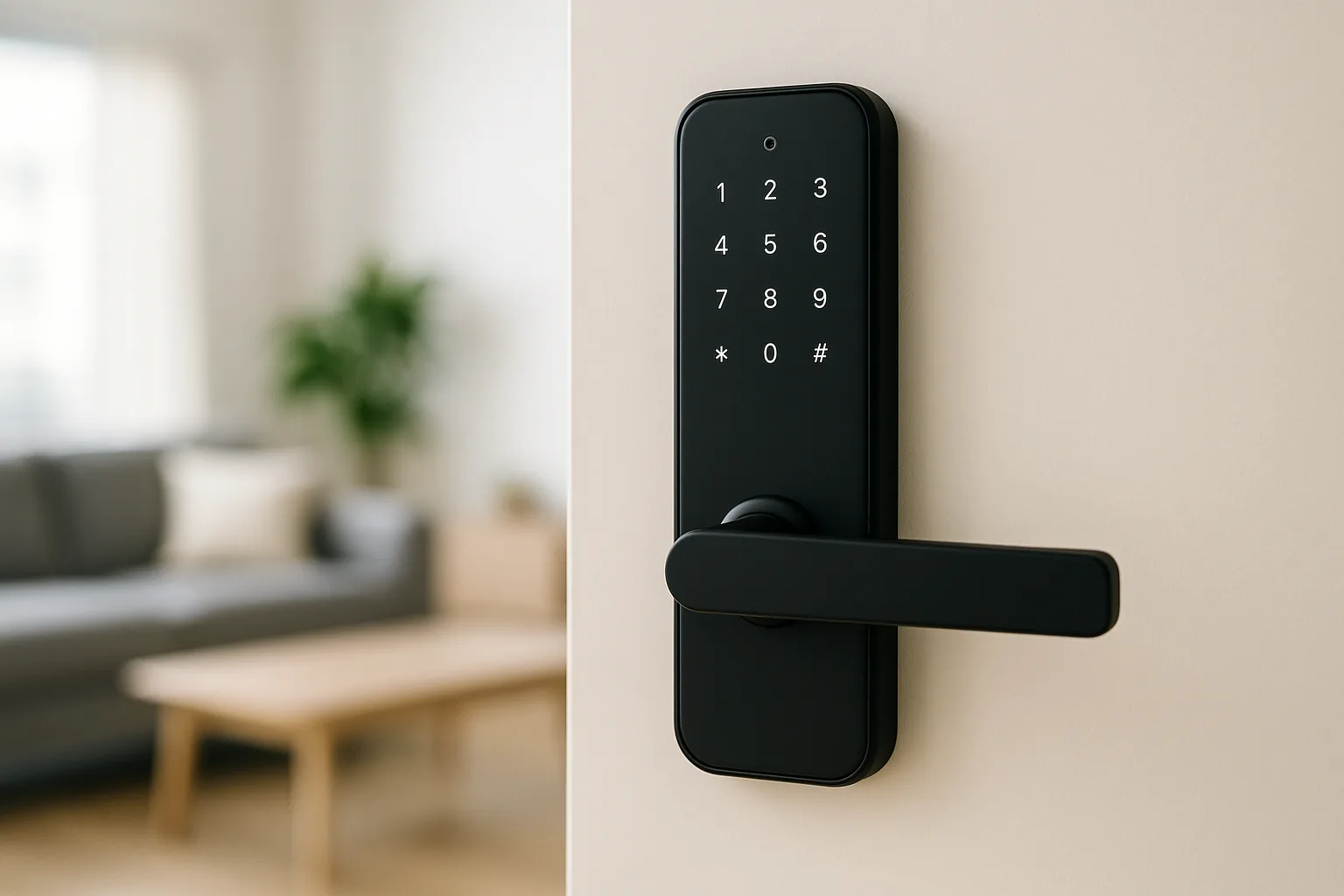
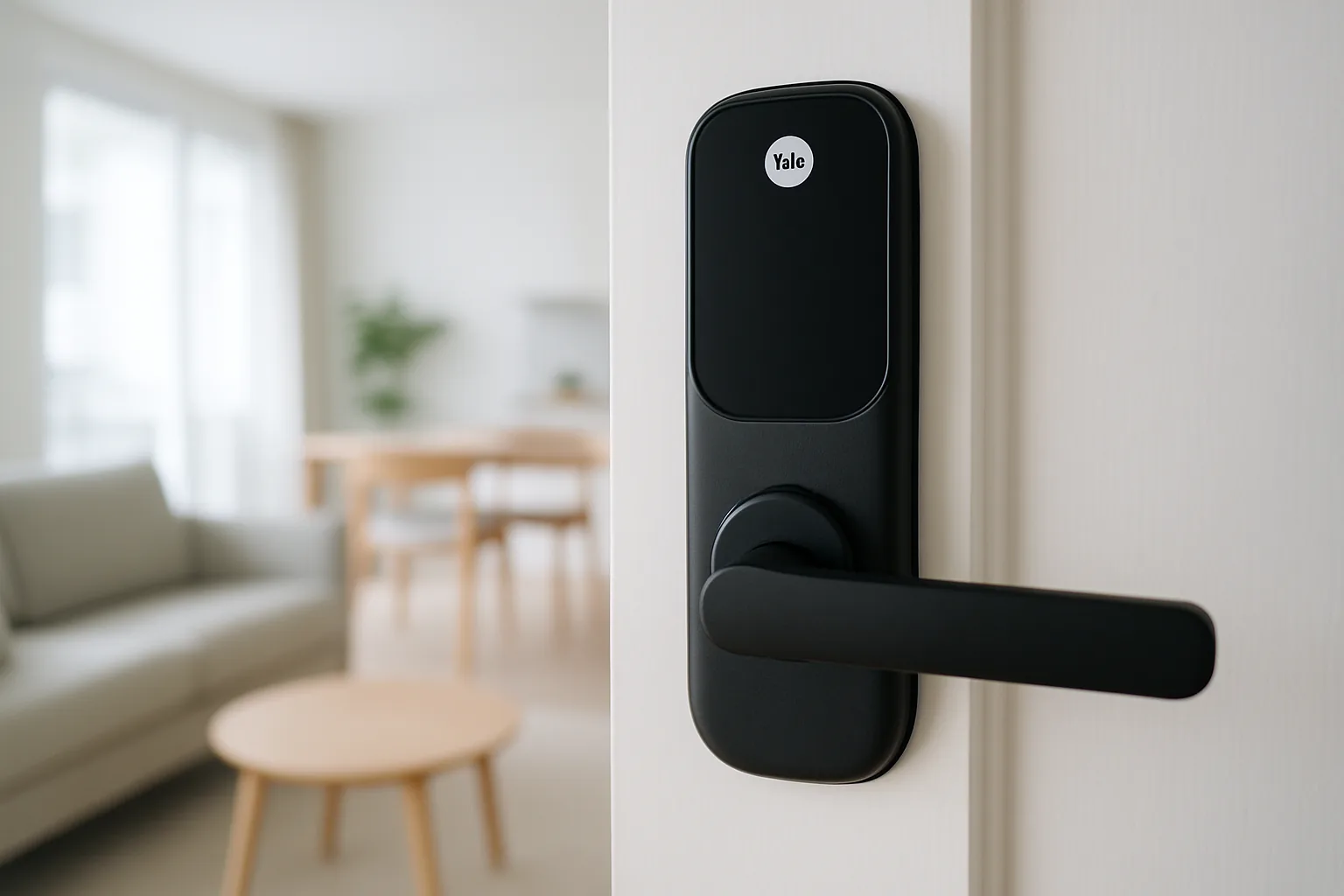
Yale’s main-door digital locks are the anchor of any Yale smart home, offering fingerprint, PIN and card entry with app control when paired to a bridge. The range covers HDB and condo doors, with push-pull models adding a premium feel. Reliable hardware plus strong local support make it the natural place to start.
Pros
- Reliable multi-method entry
- Wide door compatibility
- Strong SG installer network
Cons
- Remote features may need a bridge
- Premium models cost more
Best for condos
Yale Linus Smart Lock
The Linus retrofits onto compatible deadbolt doors, keeping your existing key while adding app control, auto-unlock and guest access via Yale Access. It’s a tidy option for condo doors where you want app-first smart entry without a full lock replacement. Check door and deadbolt compatibility before buying.
Pros
- Keeps existing key
- App auto-unlock and codes
- Cleaner retrofit install
Cons
- Needs compatible deadbolt
- Bridge required for remote
Best add-on
Yale Wi-Fi Connect Bridge
The Connect bridge is what turns a capable Yale lock into a truly remote-controlled one, adding unlock-from-anywhere, real-time alerts and voice-assistant links. It’s an inexpensive upgrade that unlocks the app features people actually want. Essential if remote access and notifications matter to you.
Pros
- Enables remote unlock
- Real-time door alerts
- Cheap ecosystem upgrade
Cons
- Another device to power
- Needs stable Wi-Fi
Best for valuables
Yale Smart Cabinet / Drawer Lock
To extend Yale beyond the front door, its smart cabinet and drawer locks secure valuables, documents or medicine from kids, all managed keylessly. They’re a practical add for HDB and condo homes wanting layered security. A niche but useful piece of a Yale-centred setup.
Pros
- Secures drawers and cabinets
- Keyless family-friendly access
- Extends Yale ecosystem
Cons
- Limited to small fittings
- Fewer models available locally
The verdict
Start your Yale smart home with a YDM or push-pull digital lock and add the Wi-Fi Connect bridge for remote control — that pairing delivers the reliable, security-first ecosystem Yale is known for in Singapore, with strong local installer support if anything needs servicing, and room to add cabinet locks or a retrofit Linus as your needs grow.
Frequently asked questions
What makes up a Yale smart home?
It centres on a Yale digital lock, extended by a Wi-Fi Connect bridge for remote access, the Yale Home/Access app for user and code management, and optional cabinet locks. The lock is the hub, and the app ties entry, guest codes and door history together on your phone.
Does Yale work with Google Home, Alexa or Apple Home?
Many Yale locks support voice assistants and smart-home platforms, usually via the Wi-Fi Connect bridge. Confirm your specific model’s compatibility, as support varies between the YDM series and retrofit locks like the Linus.
Do I need the Wi-Fi bridge for a Yale smart lock?
For local fingerprint or PIN unlocking, no — the lock works standalone. You need the Connect bridge for remote unlocking, real-time notifications and voice-assistant integration, which most people who want the ‘smart home’ experience will want.
Is Yale good for HDB doors?
Yes — Yale offers models suited to HDB main doors and metal gates, and its local installers fit them correctly to fire-rated doors. It’s one of the most established digital-lock brands in Singapore, which helps with warranty and service.
How much to set up a basic Yale smart home?
Budget roughly $400–$900 for the lock and $80–$150 for a Wi-Fi bridge, so a functional Yale smart entry setup lands around $500–$1,000 depending on the model. Add cabinet locks or premium push-pull doors and it rises from there; check latest prices as they shift with promotions.
Related guides
- More Smart Home guides
- Best Xiaomi Smart Home Ecosystem in Singapore
- Best Bosch Smart Home in Singapore
Planning a smarter home?
Tell us your space and budget — we’ll point you to the right devices, or connect you with a supplier.