Reviews are independent. Prices are indicative (SGD) and change often — always check the latest price before buying. We may earn a commission from some links.
A Xiaomi smart home screen turns the wall-mounted control panel from a nice-to-have into the nerve centre of your flat, letting you dim lights, check the door camera and trigger scenes without fishing out your phone. Xiaomi’s control screens and hubs are some of the most affordable ways to bring a proper touch dashboard into an HDB flat or condo, and because they speak the Mi Home (Xiaomi Home) protocol, they slot neatly into the wider Xiaomi and Aqara ecosystem most Singapore smart-home owners already own.
This guide is for Singapore homeowners who want a central touchscreen to run lights, aircon, sensors and cameras from one wall or benchtop, rather than juggling separate apps. We focused on models genuinely available here through Xiaomi’s official Shopee and Lazada stores and local resellers, weighed how well each plays with Zigbee and Wi-Fi devices, and flagged where a dedicated Aqara panel makes more sense than a Xiaomi display. Prices are indicative SGD ranges and shift often with sales, so always check the latest price before buying.
What to look for in Singapore
- Confirm the screen runs Mi Home (Xiaomi Home) or works with it, so it can control the Xiaomi and Aqara devices most SG smart-home owners already run.
- Look for a built-in Zigbee hub if you want the screen to directly manage door sensors and motion sensors without a separate gateway cluttering your DB box.
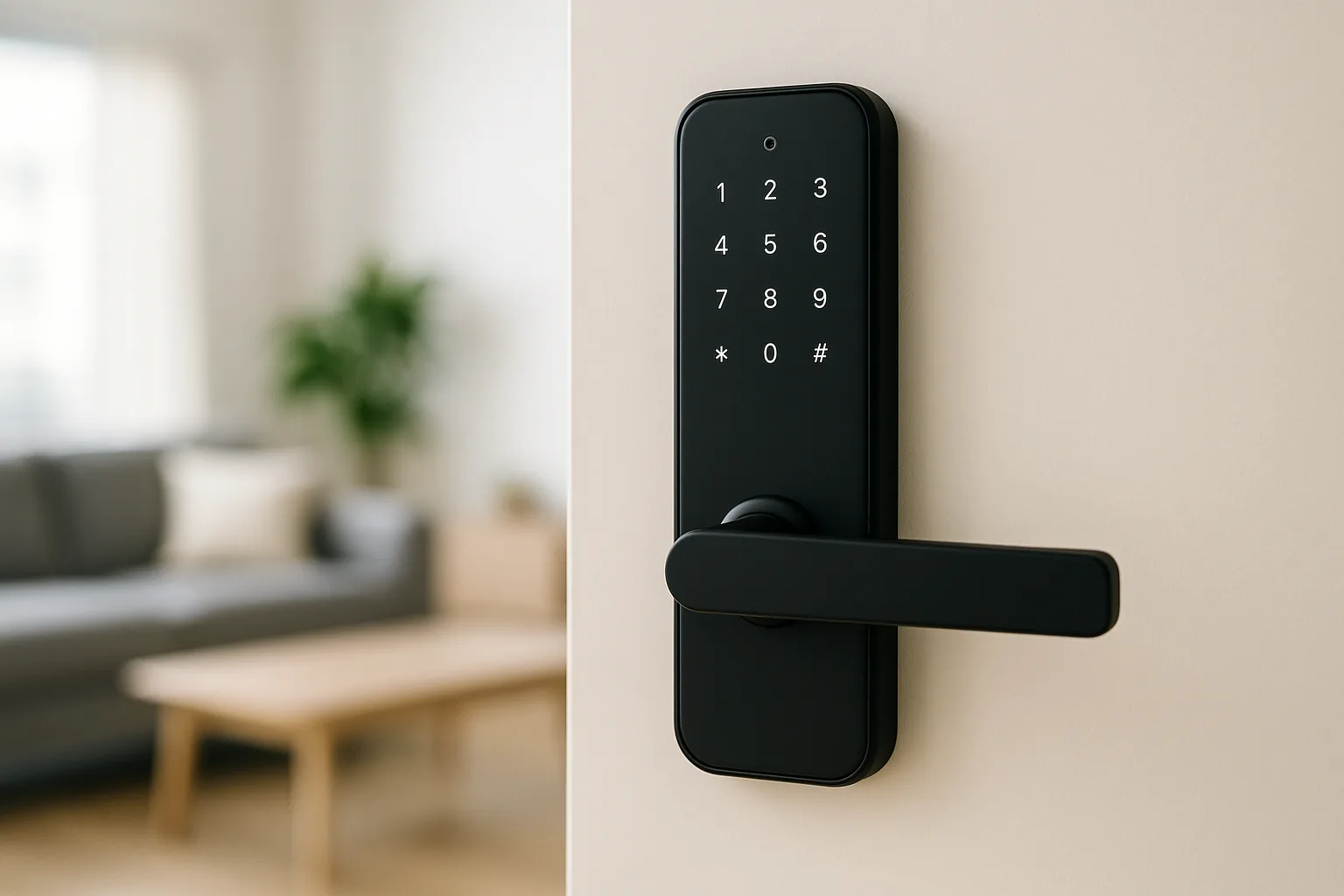
- Check whether the panel needs an in-wall neutral wire and a 86-type gang box — retrofitting one into a finished HDB wall can mean hacking, so plan during renovation.
- For a benchtop display, prioritise a good speaker and far-field mic if you also want voice control, and remember Google Assistant support is patchy on China-set Xiaomi units.
- Match the screen size to the wall: a 6-inch panel suits a hallway scene controller, while a 10-inch display works as a kitchen or living-room hub.
- Verify local plug and voltage — buy the Singapore or global set with a 3-pin SG adaptor rather than a China-market unit that only ships with a flat 2-pin plug.
- Prefer models with local scene automation stored on-device, so lights and aircon scenes still fire if your home Wi-Fi drops.
- Factor in after-sales: Xiaomi’s SG warranty through authorised sellers is far easier to claim than a grey-import unit bought purely on price.
At a glance
| Model | Best for | Key spec | Indicative price | Rating |
|---|---|---|---|---|
| Xiaomi Smart Home Screen 10 Pro — wall dashboard | Overall control hub | 10-inch touch, built-in Zigbee 3.0 gateway | $180–$320 | ★★★★★ |
| Xiaomi Smart Home Hub 2 (with display models) — Zigbee gateway | Best value backbone | Zigbee/BLE/Thread multi-mode hub | $60–$110 | ★★★★☆ |
| Aqara Panel Hub S1 / S1E — premium wall panel | Premium in-wall panel | Zigbee 3.0 hub, in-wall neutral install | $180–$280 | ★★★★☆ |
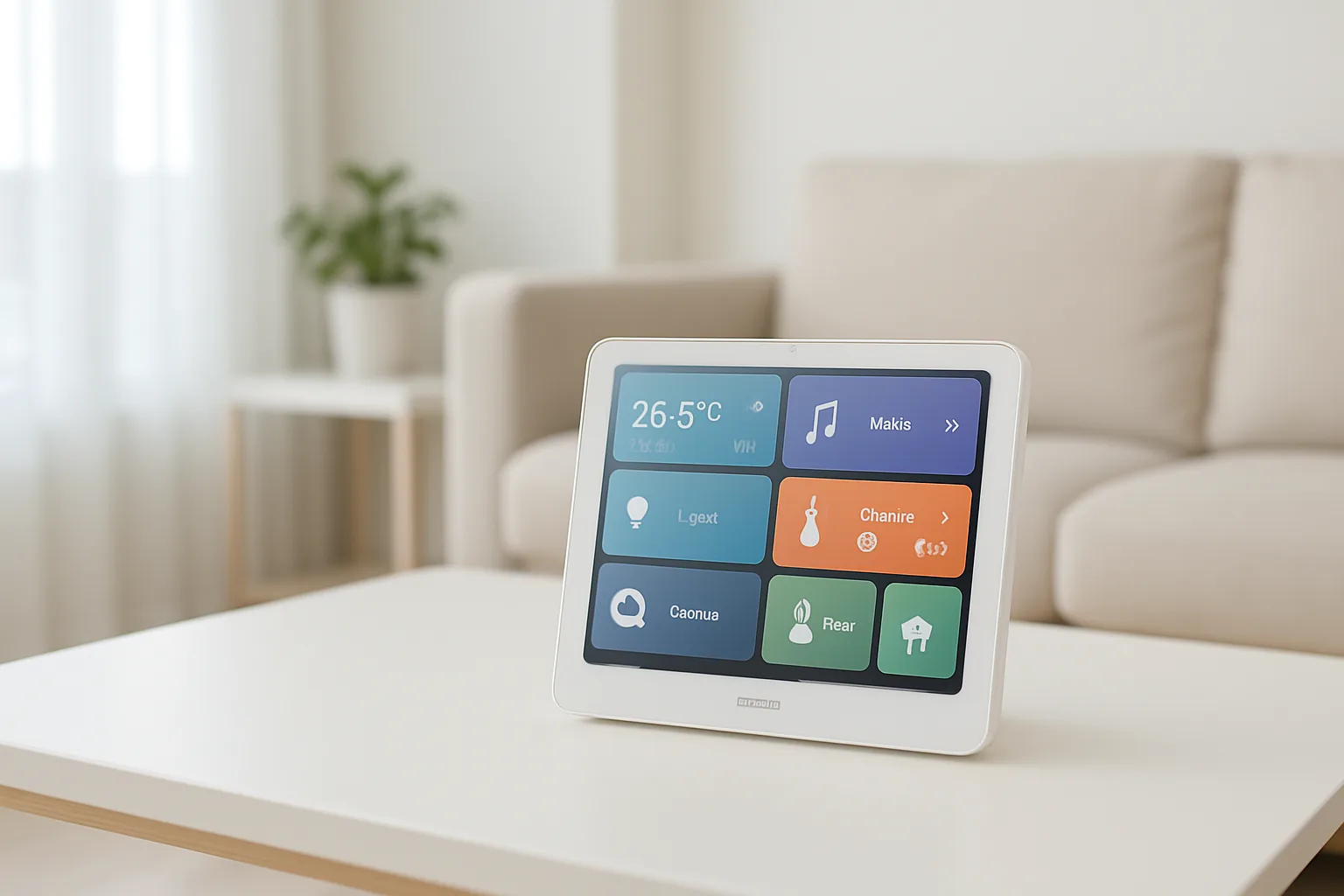
| Xiaomi Smart Clock / Display — benchtop | Bedside & kitchen | Compact touch display, voice-ready | $60–$120 | ★★★★☆ |
The picks
Editor’s Choice
Xiaomi Smart Home Screen 10 Pro
This is the closest Xiaomi gets to a true wall dashboard, pairing a bright 10-inch touchscreen with a built-in Zigbee 3.0 gateway so it controls sub-devices directly. For a Singapore home already deep in the Mi Home ecosystem, it becomes the single glass panel for lights, aircon scenes, sensors and door cameras in the living room or kitchen.
Pros
- Built-in Zigbee hub removes the need for a separate gateway
- Large, responsive screen for whole-home scenes
- Deep native Mi Home and Aqara device support
Cons
- Needs an in-wall gang box and neutral for a tidy install
- Voice assistant support skewed to Xiaomi’s own, not Google
Best Value
Xiaomi Smart Home Hub 2
Not a screen itself, but the multi-protocol gateway that makes any Xiaomi display genuinely useful by bridging Zigbee, Bluetooth mesh and Thread devices into Mi Home. If your budget is tight, pair this hub with your phone or a cheap benchtop display and add a bigger screen later.
Pros
- Cheapest reliable way into the Xiaomi ecosystem
- Supports Zigbee, BLE mesh and Thread
- Tiny footprint, easy to hide near the router
Cons
- No screen of its own
- Local voice features limited without a paired display
Premium
Aqara Panel Hub S1 / S1E
Aqara’s in-wall smart panel is the premium alternative for owners who want a fixed, switch-plate-style controller wired into the wall. It works within the same Aqara Home and Mi Home world, so it complements a Xiaomi setup rather than fighting it, and looks the part in a renovated condo living room.
Pros
- Purpose-built in-wall panel with clean aesthetics
- Doubles as a Zigbee hub for Aqara sensors
- Physical relay controls for wired lights
Cons
- Requires neutral wire and professional install
- Pricier than a benchtop Xiaomi display
Best for bedside & kitchen
Xiaomi Smart Clock / Display
A compact benchtop touch display that acts as a bedside scene controller, kitchen timer and quick shortcut panel without any wall hacking. It is the low-commitment way to add a screen to a rented flat or a room you don’t want to rewire.
Pros
- Plug-and-play, no installation needed
- Great for renters and bedrooms
- Affordable second or third screen
Cons
- Smaller screen limits full-home dashboards
- No built-in Zigbee hub on most units
The verdict
For most Singapore homes, the Xiaomi Smart Home Screen 10 Pro is the standout wall dashboard, while the cheaper Smart Home Hub 2 is the smart way to start building the ecosystem before you commit to a big screen.
Frequently asked questions
Does a Xiaomi smart home screen work with Google Home in Singapore?
Partially. Xiaomi displays run on Mi Home (Xiaomi Home) first, and Google Assistant integration depends on the market set and firmware. For reliable Google routines, buy a global or SG-set unit and confirm Google Home linking is supported before you rely on it.
Do I need to hack my HDB wall to install one?
Only for the wall-mounted panels like the Smart Home Screen 10 Pro or the Aqara Panel Hub, which want an 86-type gang box and a neutral wire. Benchtop displays like the Xiaomi Smart Clock just plug into a socket, so renters can use them with no hacking.
Can it control my existing aircon and lights?
Yes, if those devices are already in Mi Home. The screen controls Xiaomi and Aqara lights, plugs and sensors directly, and can control aircon through a Xiaomi or Aqara IR hub. Non-Xiaomi lights usually need a compatible smart switch or bulb first.
Is it worth buying over just using the Mi Home app on my phone?
If you only have a few devices, the app is enough. A screen earns its place once you run multiple scenes daily, want family members to control the home without your phone, or want a fixed panel by the door for lights and camera at a glance.
Where can I buy a genuine unit with warranty in Singapore?
Stick to Xiaomi’s official Shopee and Lazada stores or authorised Mi retailers for a proper SG plug and warranty. Grey-import China sets are cheaper but ship with 2-pin plugs and Chinese-only firmware, and are far harder to get serviced locally.
Related guides
- More Smart Home guides
- Best Xiaomi Smart Home Ecosystem in Singapore
- Best Bosch Smart Home in Singapore
Planning a smarter home?
Tell us your space and budget — we’ll point you to the right devices, or connect you with a supplier.