Reviews are independent. Prices are indicative (SGD) and change often — always check the latest price before buying. We may earn a commission from some links.
A Xiaomi smart home hub is the piece that turns a scattering of Mi and Aqara gadgets into a coordinated system, acting as the Zigbee bridge and automation brain for your Singapore home. Xiaomi’s ecosystem is huge and affordable, spanning sensors, plugs, lights and cameras that all talk to the Mi Home app once a hub is in place. This guide covers the Xiaomi and closely compatible hubs worth buying here, how they differ, and which suits an HDB flat versus a device-heavy condo.
We wrote this for buyers already dipping into Xiaomi’s cheap sensors and switches who need the right hub to tie them together — and who want to know about Matter and multi-platform support. Our picks centre on Xiaomi’s actual hub line-up plus the Aqara hubs that pair naturally with Mi devices, grouped by how much you want to scale. We weigh Zigbee range, app reliability, local automations and how well each plays with Google Home and Alexa. Prices are indicative SGD ranges that shift with sales, so check the latest price, and buy the Singapore or global version and set the correct server region at setup — region mismatches are the single most common cause of pairing and voice-assistant headaches with Xiaomi gear.
What to look for in Singapore
- Protocol support: a good hub bridges Zigbee (and increasingly Thread/Matter) so low-power sensors don’t clog your Wi-Fi.
- App ecosystem: confirm the hub runs in Mi Home (or Aqara Home) so your existing devices appear in one place.
- Region and server: buy the Singapore/global version and set the correct region so devices and voice assistants pair properly.
- Local automations: prefer a hub that runs routines locally so lights still trigger if the internet drops.
- Voice and platform links: check Google Home and Alexa support if you want voice, and Matter/Apple Home if you’re mixed-platform.
- Zigbee range: match the hub’s coverage to your HDB or condo layout, adding a second hub for larger homes.
- Device capacity: heavier setups need a hub that reliably handles dozens of sensors without dropouts.
- Local warranty and stock: buy from Xiaomi’s SG authorised channels for genuine, region-correct units.
At a glance
| Model | Best for | Key spec | Indicative price | Rating |
|---|---|---|---|---|
| Xiaomi Smart Home Hub 2 — overall | Overall | Zigbee + Wi-Fi, Mi Home, IR blaster | $60–$120 | ★★★★☆ |
| Xiaomi Smart Speaker/Hub (with display) — voice + control | Voice-first homes | Voice assistant + Zigbee gateway | $70–$150 | ★★★★☆ |
| Aqara Hub M3 (Mi-compatible) — power users | Matter + reliability | Zigbee 3.0, Matter, local automations | $120–$200 | ★★★★★ |
| Aqara Hub M2 (Mi-compatible) — value bridge | Budget scaling | Zigbee, IR, Apple/Google/Alexa | $60–$110 | ★★★★☆ |
The picks
Editor’s Choice
Xiaomi Smart Home Hub 2
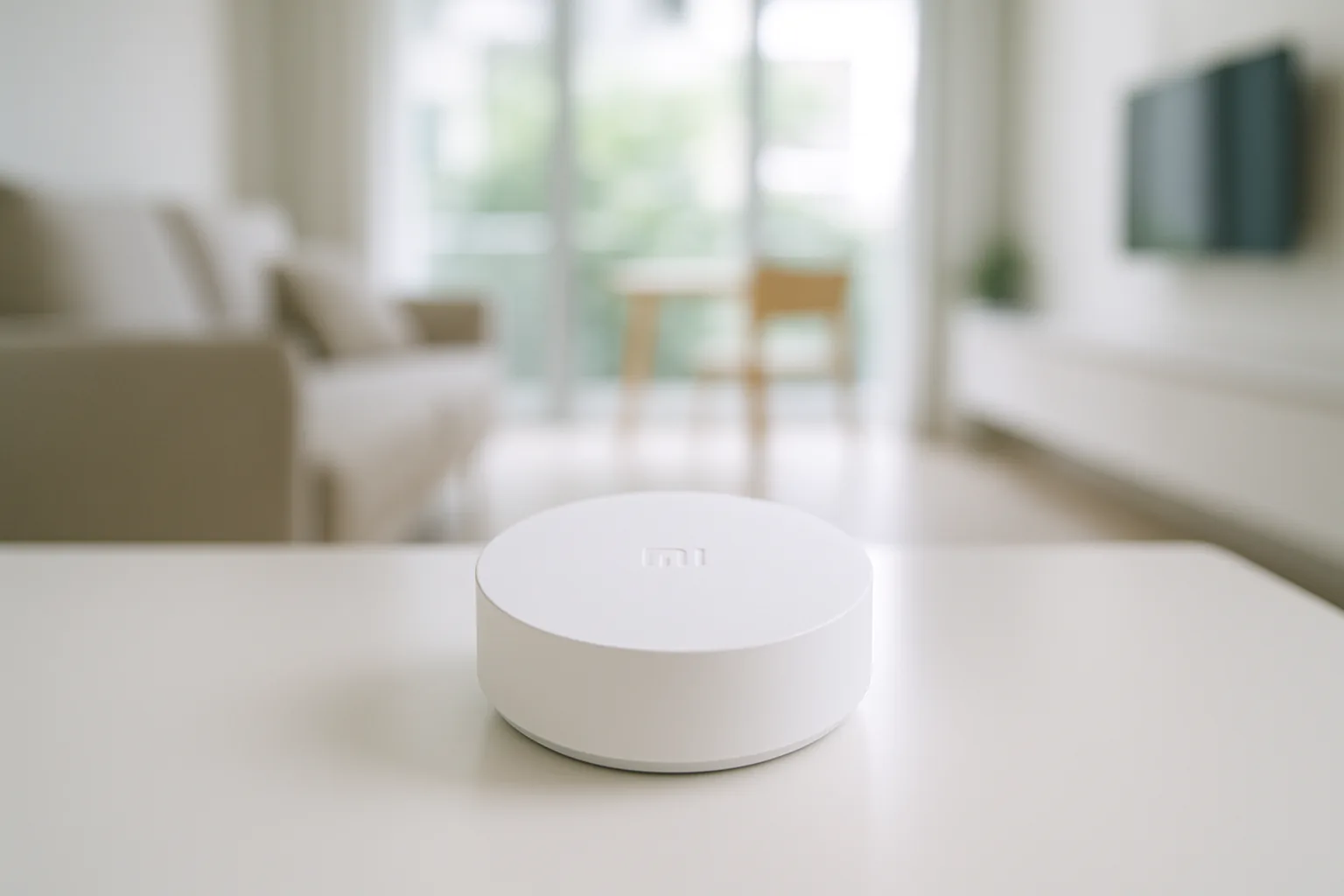
Xiaomi’s own hub is the natural centre for a Mi-based setup, bridging Zigbee sensors into Mi Home and adding a built-in IR blaster to control aircon and TVs. It handles local automations and links to Google Home and Alexa. For most Xiaomi-first homes it’s the affordable, do-it-all starting point.
Pros
- Cheap, Mi Home native
- Built-in IR for aircon/TV
- Local automations
Cons
- Set region correctly at setup
- Range limited in large homes
Best for voice
Xiaomi Smart Speaker / Display Hub
Xiaomi’s speaker and display models that double as Zigbee gateways give you voice control and a hub in one device, handy for a bedroom or living room. You get hands-free routines plus device bridging without a separate box. Availability of gateway-capable variants varies, so check the model before buying.
Pros
- Voice plus hub in one
- Neat for living areas
- Mi Home integration
Cons
- Gateway support varies by model
- Weaker Zigbee range than dedicated hub
Best for power users
Aqara Hub M3 (Mi-compatible)
Because Aqara is part of the wider Xiaomi ecosystem, its M3 hub pairs beautifully with Mi devices while adding Matter, Thread and rock-solid local automations. It’s the pick if you want the most future-proof, reliable brain and Apple Home support. Slightly pricier, but the stability and platform breadth justify it for larger setups.
Pros
- Matter and Thread ready
- Excellent local reliability
- Apple/Google/Alexa support
Cons
- Costs more than Mi hubs
- Best via Aqara Home app
Best Value bridge
Aqara Hub M2 (Mi-compatible)
The M2 is a cost-effective Zigbee bridge with an IR blaster that works alongside Mi devices and exposes them to Apple Home, Google Home and Alexa. It’s a great value option for scaling a sensor-heavy flat without paying M3 money. A dependable workhorse hub for the majority of homes.
Pros
- Affordable multi-platform bridge
- Built-in IR control
- Reliable Zigbee
Cons
- No Matter/Thread
- Uses Aqara app for full features
The verdict
For most Xiaomi homes the Smart Home Hub 2 is the affordable, IR-equipped starting point, but power users chasing Matter and top reliability should build around the Mi-compatible Aqara M3.
Frequently asked questions
Do I need a Xiaomi hub for Mi smart home devices?
Wi-Fi Xiaomi devices like plugs and some cameras connect directly to Mi Home, but Zigbee sensors and switches need a hub to work. If you’re adding door, motion or temperature sensors, a hub is essential; for a few Wi-Fi gadgets alone you can start without one.
Which Xiaomi smart home hub is best?
The Xiaomi Smart Home Hub 2 is the best-value native option with a handy IR blaster, while the Aqara M3 is the most capable and future-proof for power users wanting Matter and strong Apple Home support. Choose based on how big and mixed-platform your setup is.
Does the Xiaomi hub work with Google Home and Alexa?
Yes — Xiaomi and Aqara hubs generally support Google Home and Alexa for voice control, and Aqara hubs add Apple Home. Set the correct server region during setup, as region mismatches are the most common cause of pairing and voice issues.
Can I mix Xiaomi and Aqara devices on one hub?
Largely yes, since Aqara is part of Xiaomi’s ecosystem, though some devices behave best in their own app. A common approach is an Aqara hub in the Aqara app for reliability, with Wi-Fi Mi devices in Mi Home, linked through a voice assistant or Matter.
Will Xiaomi hub automations work without internet?
Many hubs run key automations locally, so sensor-triggered lights keep working if your internet drops. Remote access, notifications and voice control need a connection, so prefer a hub with strong local automation if reliability matters to you.
Related guides
- More Smart Home guides
- Best Xiaomi Smart Home Ecosystem in Singapore
- Best Bosch Smart Home in Singapore
Planning a smarter home?
Tell us your space and budget — we’ll point you to the right devices, or connect you with a supplier.