Reviews are independent. Prices are indicative (SGD) and change often — always check the latest price before buying. We may earn a commission from some links.
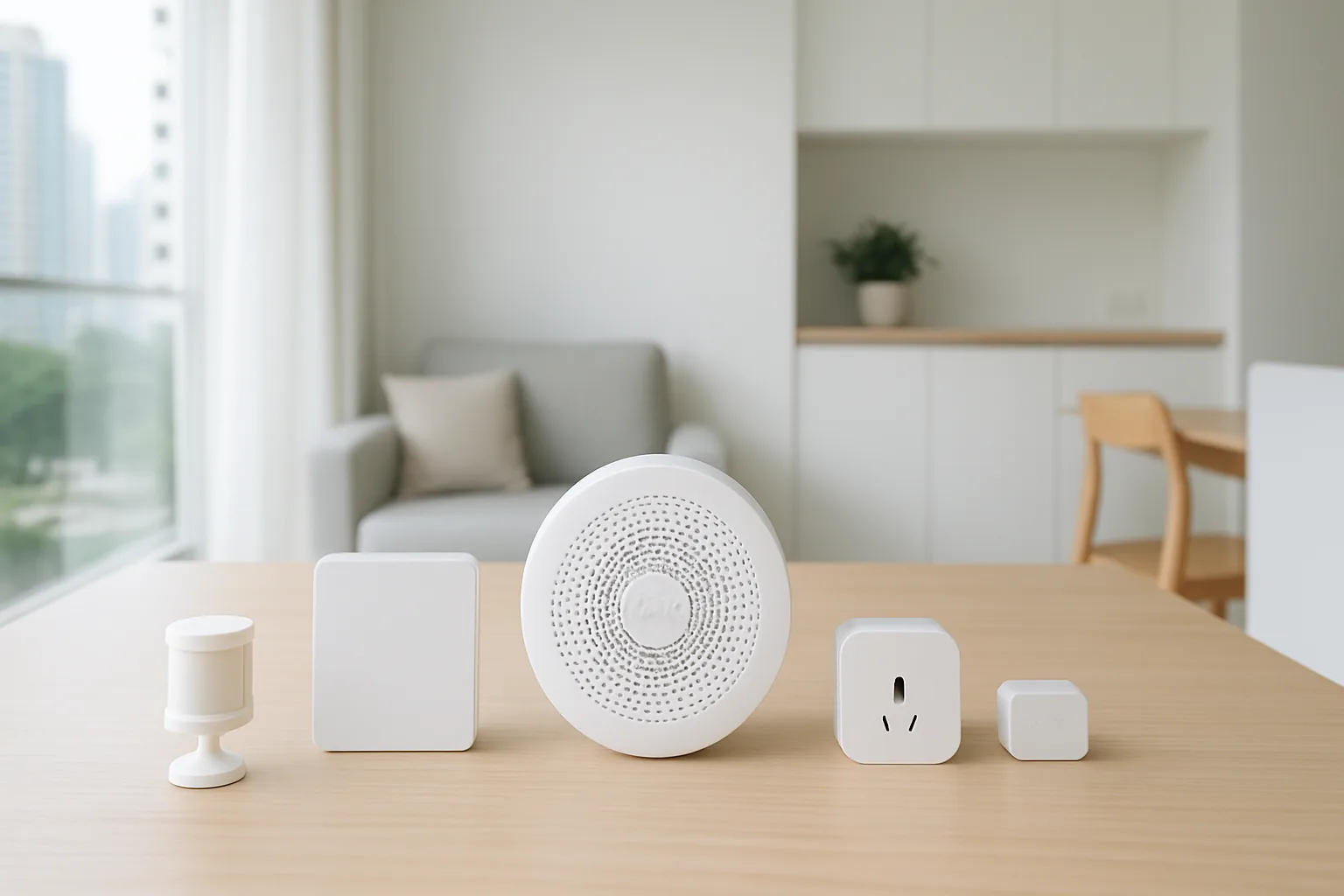
An Aqara smart home system is one of the most capable yet affordable ways to automate a Singapore flat, built around a central hub that links sensors, switches, cameras and locks over the low-power Zigbee protocol. Aqara’s big draw is deep compatibility — it works with Apple Home, Google Home and Alexa — so you can start small and grow without locking into one phone brand. This guide covers the Aqara pieces worth building around, how the hub-and-sensor model works, and what a practical Aqara setup looks like for an HDB or condo home.
We wrote this for homeowners who want real automation — motion-triggered lights, leak alerts, door sensors — rather than just a few Wi-Fi plugs. Our picks centre on Aqara’s actual Singapore line-up, starting with the hub that everything connects to, then the highest-value sensors and controllers. We weigh Apple Home support, reliability in our humid climate, and how well the system scales in a typical flat without hammering your Wi-Fi. Prices are indicative SGD ranges that shift with sales, so the smart move is to start with a hub and a couple of sensors, then expand as you learn which automations you actually use day to day.
What to look for in Singapore
- Start with a hub: Aqara’s Zigbee devices need a hub like the M3 or M2, which also bridges to Apple Home, Google Home and Alexa.
- Platform support: confirm the hub you pick exposes devices to your preferred ecosystem, especially if you use Apple Home.
- Zigbee vs Wi-Fi: Zigbee sensors are low-power and don’t clog Wi-Fi, ideal for adding many devices in a flat.
- Sensor range: check hub-to-sensor distance works across your HDB layout, adding a second hub for larger homes.
- Local automations: prefer setups where routines run on the hub so lights still trigger if the internet drops.
- Humidity and placement: site temperature/humidity and leak sensors thoughtfully given Singapore’s climate.
- Device breadth: Aqara covers sensors, switches, cameras, curtains and locks, so plan which jobs you want automated.
- Local warranty and stock: buy from Aqara’s SG authorised sellers so replacements and support are easy.
At a glance
| Model | Best for | Key spec | Indicative price | Rating |
|---|---|---|---|---|
| Aqara Hub M3 — system brain | Overall / whole system | Zigbee 3.0, Matter, local automations | $120–$200 | ★★★★★ |
| Aqara FP2 Presence Sensor — accurate motion | Reliable presence detection | mmWave, multi-zone, Wi-Fi | $80–$130 | ★★★★★ |
| Aqara Door & Window / Motion Sensors — starter kit | Automations on a budget | Zigbee, tiny, long battery life | $20–$40 each | ★★★★☆ |
| Aqara Smart Wall Switch / Cube — control | Physical control | Zigbee switch or scene controller | $30–$70 | ★★★★☆ |
The picks
Editor’s Choice
Aqara Hub M3
The M3 is the brain of a serious Aqara setup, with Zigbee 3.0, Matter and Thread bridging, plus local automations that keep routines running even if the internet drops. It exposes your Aqara sensors to Apple Home, Google Home and Alexa, making it the most future-proof hub to build on. Start here and everything else slots in.
Pros
- Bridges to all major platforms
- Local automation reliability
- Matter and Thread ready
Cons
- Pricier than older hubs
- Overkill for tiny setups
Best sensor
Aqara FP2 Presence Sensor
The FP2 uses mmWave radar to detect actual presence, not just movement, so lights won’t switch off while you sit still — a common gripe with basic motion sensors. Its multi-zone mapping suits open HDB living-dining areas. It’s the sensor that makes Aqara automations feel genuinely smart.
Pros
- Detects presence, not just motion
- Multi-zone mapping
- Great for living areas
Cons
- Needs a power socket
- Setup takes some tuning
Best Value
Aqara Door/Window & Motion Sensors
These tiny Zigbee sensors are the cheapest way to unlock real automation — trigger lights on entry, get alerts if a door opens, or turn off aircon when a window’s ajar. Battery life is measured in years and they don’t burden your Wi-Fi. A no-brainer starter add once you have a hub.
Pros
- Very cheap per sensor
- Years of battery life
- Doesn’t clog Wi-Fi
Cons
- Needs the hub to work
- Motion only, no presence
Best control
Aqara Smart Wall Switch / Cube
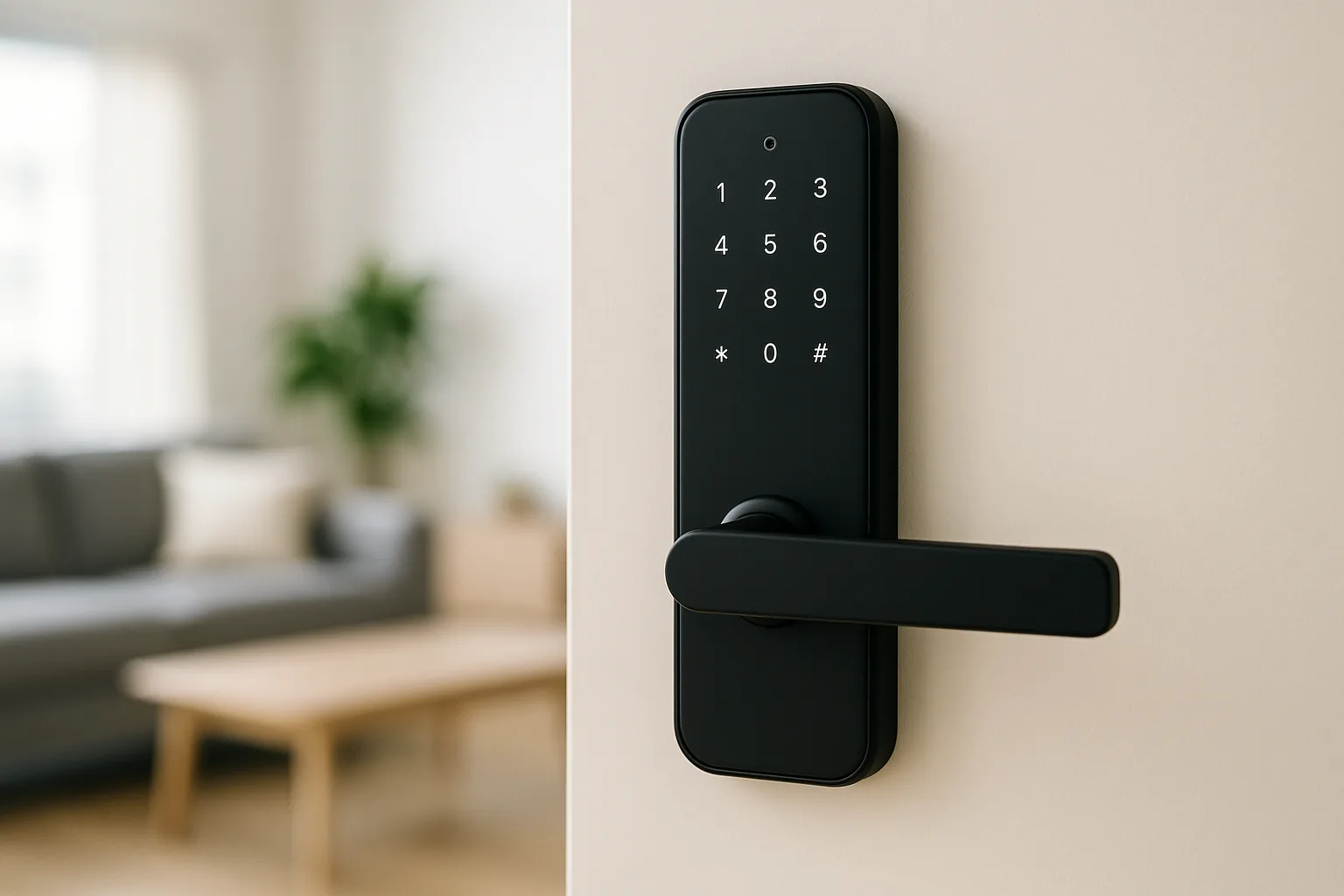
Aqara’s smart wall switches and the Cube controller give you physical, tactile control over scenes and lights, which matters when guests or family don’t want to use an app. The switch replaces a dumb one (check for a neutral wire); the Cube is a plug-free scene remote. Handy finishing pieces for a polished setup.
Pros
- Physical scene control
- Family-friendly, no app needed
- Flexible triggers
Cons
- Switch may need neutral wire
- Cube is niche
The verdict
Build your Aqara smart home around the Hub M3, add an FP2 presence sensor and a few cheap door and motion sensors, and you’ll have a reliable, platform-flexible system that scales beautifully in an HDB flat or condo.
Frequently asked questions
Do I need a hub for an Aqara smart home?
Yes — most Aqara devices use Zigbee and need an Aqara hub like the M3 or M2 to work and to bridge into Apple Home, Google Home or Alexa. A few newer Aqara devices are Wi-Fi or Matter-based, but the hub-and-sensor model is what makes the system scalable and reliable.
Does Aqara work with Apple Home?
Yes — Aqara is well known for strong Apple Home (HomeKit) support through its hubs, exposing sensors, switches and locks to the Home app and Siri. It also works with Google Home and Alexa, which is why Aqara suits mixed-device households.
Is Aqara good for HDB flats?
Very — Zigbee sensors are small, battery-efficient and don’t strain your Wi-Fi, so you can add many across a flat. One hub usually covers a typical HDB layout; larger or multi-room homes may benefit from a second hub for range.
How much to start an Aqara smart home?
A starter setup of a hub plus a few sensors runs roughly $150–$300, with the M3 hub around $120–$200 and sensors from about $20 each. You can expand gradually, adding switches, cameras or a lock as budget allows; check latest prices during sales.
Will Aqara automations still work if my internet goes down?
Many run locally on the hub, so motion-triggered lights and sensor routines keep working offline. Remote access, notifications and voice assistants need internet, but the core local automations are a key reliability advantage of Aqara’s hub-based design.
Related guides
- More Smart Home guides
- Best Xiaomi Smart Home Ecosystem in Singapore
- Best Bosch Smart Home in Singapore
Planning a smarter home?
Tell us your space and budget — we’ll point you to the right devices, or connect you with a supplier.