Reviews are independent. Prices are indicative (SGD) and change often — always check the latest price before buying. We may earn a commission from some links.
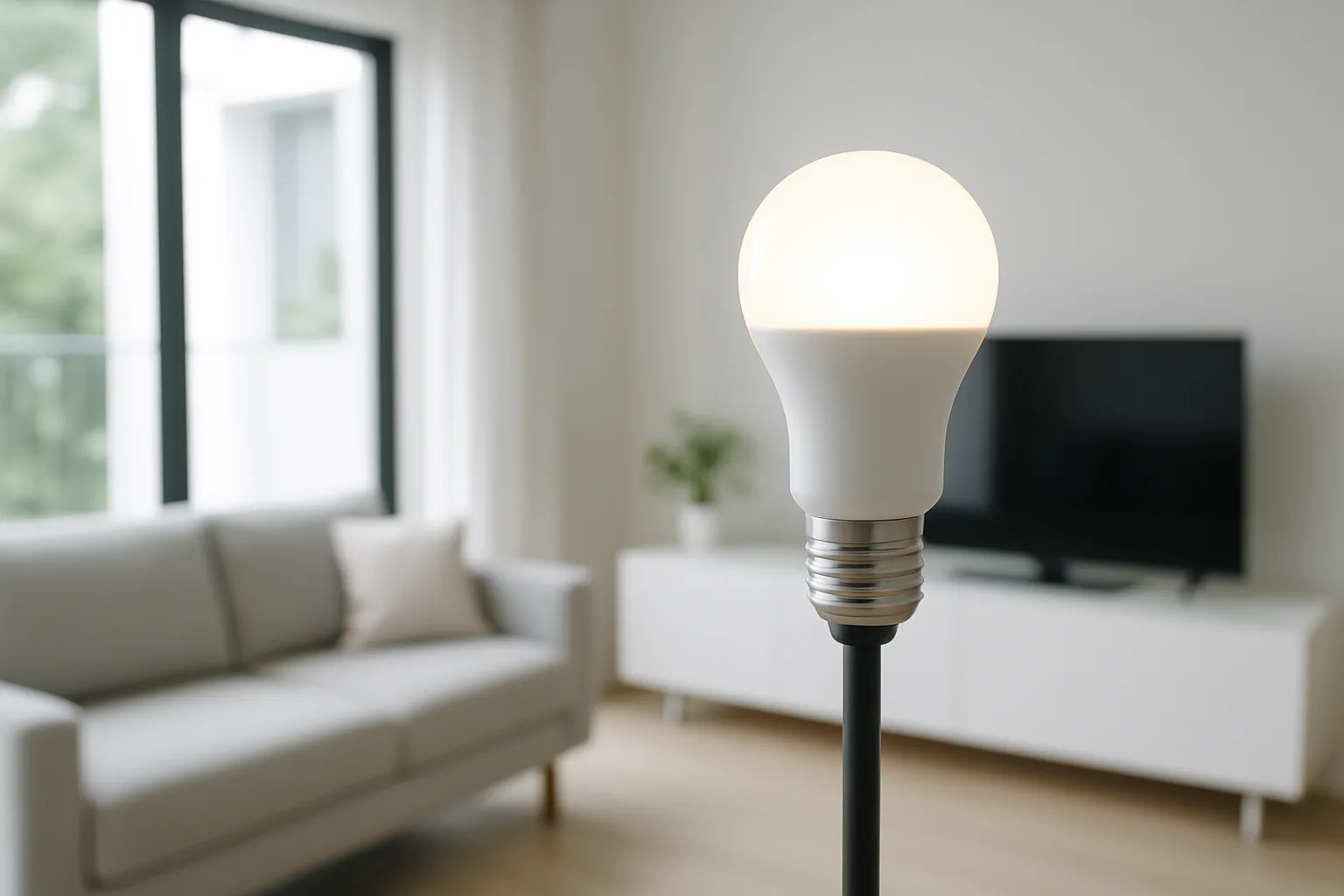
Smart light bulbs are the easiest first step into a connected home, letting you dim, schedule and colour your lighting from a phone or a voice command without touching your wiring. Because you simply screw them into an existing fitting, they suit renters and HDB owners who want the effect of a smart lighting setup without an electrician. This guide covers the bulbs that pair reliably on Singapore Wi-Fi, explains the E27, B22 and colour-versus-white choices, and names the ranges worth your money here.
We wrote this for Singapore homeowners who want smart lights for home use that just work, whether that is a warm wind-down scene in the bedroom or colour for a movie night in the living hall. Our picks are judged on local availability, app stability, whether they need a hub, compatibility with Google Home, Apple Home and Alexa, and honest SGD value including the cost of adding more bulbs later. We prefer proven ecosystems over cheap bulbs that drop off the network.
What to look for in Singapore
- Check your fitting first — most Singapore ceiling and lamp holders are E27 screw or B22 bayonet, so buy the base that matches or you will be returning bulbs.
- Decide between tunable-white and full-colour bulbs, since colour costs more and many homes really only need warm-to-cool white for daily use.
- Choose between hub-based bulbs (rock-solid, but you buy a bridge) and Wi-Fi bulbs (no hub, but they lean on your router and the cloud).
- Confirm the bulbs join 2.4GHz Wi-Fi cleanly, as Singapore mesh networks that push devices to 5GHz can cause pairing headaches.
- Make sure they work with your assistant of choice — Google Home, Apple Home or Alexa — so voice control and routines behave.
- For bright HDB living halls, check the lumen output, not just the wattage, so a smart bulb is as bright as the one it replaces.
- Consider how many bulbs you will eventually run, because per-bulb price and hub limits matter once you smarten a whole flat.
- Look for a proper local warranty and easy restocking, so you can buy matching bulbs months later without hunting grey imports.
At a glance
| Model | Best for | Key spec | Indicative price | Rating |
|---|---|---|---|---|
| Philips Hue — Editor’s Choice | Whole-home smart lighting | Zigbee hub, full colour | $40–$90 per bulb | ★★★★★ |
| TP-Link Tapo L530 — Best Value | No-hub colour bulbs | 2.4GHz Wi-Fi, no hub | $15–$30 per bulb | ★★★★☆ |
| Yeelight / Xiaomi — Budget colour | Xiaomi ecosystem homes | Wi-Fi, app scenes | $12–$28 per bulb | ★★★★☆ |
| IKEA smart bulb — Simple starter | Easy warm-white control | Zigbee, low cost | $10–$25 per bulb | ★★★★☆ |
The picks
Editor’s Choice
Philips Hue
Philips Hue remains the gold standard for a whole-home smart lighting setup, running on a rock-solid Zigbee hub so bulbs respond instantly and never drop off your Wi-Fi. Colours are rich, the app is mature, and it works flawlessly with Google, Apple and Alexa. Best for anyone smartening multiple rooms who wants it to simply work for years.
Pros
- Extremely reliable via its own hub
- Excellent app and huge ecosystem
- Works with every major assistant
Cons
- Priciest per bulb
- Needs the Hue bridge for full features
Best Value
TP-Link Tapo L530
The Tapo L530 gives you full-colour smart lighting with no hub to buy, joining your home Wi-Fi directly and setting up in minutes through the friendly Tapo app. It is the value sweet spot for a room or two of colour. Best for first-timers who want colour bulbs without extra hardware.
Pros
- No hub needed
- Great price for colour
- Simple, reliable app
Cons
- Leans on Wi-Fi and cloud
- Router must handle many bulbs at once
Budget colour
Yeelight / Xiaomi smart bulb
Yeelight bulbs, part of the Xiaomi ecosystem, are cheap, bright and slot neatly into Mi Home scenes alongside your other Xiaomi gear. Colour and tunable-white options are widely available in Singapore. Best for budget-minded homes already using Xiaomi kit.
Pros
- Very affordable colour
- Ties into Xiaomi scenes
- Good brightness for the price
Cons
- App can feel cluttered
- Best kept within one ecosystem
Simple starter
IKEA smart bulb
IKEA’s smart bulbs are an easy, low-cost way to add dimming and warm-to-cool white, and they are readily available at the SG stores. Paired with an IKEA gateway they gain schedules and voice control. Best for a simple, affordable start focused on white light rather than colour.
Pros
- Cheap and easy to buy locally
- Good warm-white control
- Works with major assistants via gateway
Cons
- Colour range is limited
- Full features need the IKEA hub
The verdict
For a reliable whole-home setup, Philips Hue is the best smart light bulb system in Singapore; if you want colour without a hub, the TP-Link Tapo L530 is the smartest value buy.
Frequently asked questions
Do smart light bulbs need a hub?
It depends on the brand. Philips Hue and IKEA use a hub for rock-solid reliability, while Tapo and Yeelight connect straight to your Wi-Fi with no extra hardware. Hub-based systems handle many bulbs more smoothly, while Wi-Fi bulbs are cheaper to start but lean on your router.
Which base fitting do I need in Singapore — E27 or B22?
Most Singapore ceiling fixtures and lamps use E27 screw or B22 bayonet fittings, so check your existing bulb before buying. Many smart ranges sell both. If you are unsure, unscrew your current bulb and match the base, or buy a simple adapter.
Are smart bulbs worth it for HDB flats?
Yes, because they add dimming, scheduling and voice control to your existing fittings without any wiring work, which is ideal for HDB flats and rentals. Start with one or two rooms, then expand. Just make sure the bulbs are bright enough in lumens for a typical living hall.
Will smart bulbs work with Google Home or Apple Home?
The bulbs here all support Google Home and Alexa, and Philips Hue adds full Apple Home support for iPhone users. Confirm the specific model, then link it in your assistant app for voice control and routines. Once set up, you can dim or colour a whole room by voice.
Related guides
Planning a smarter home?
Tell us your space and budget — we’ll point you to the right devices, or connect you with a supplier.

