Reviews are independent. Prices are indicative (SGD) and change often — always check the latest price before buying. We may earn a commission from some links.
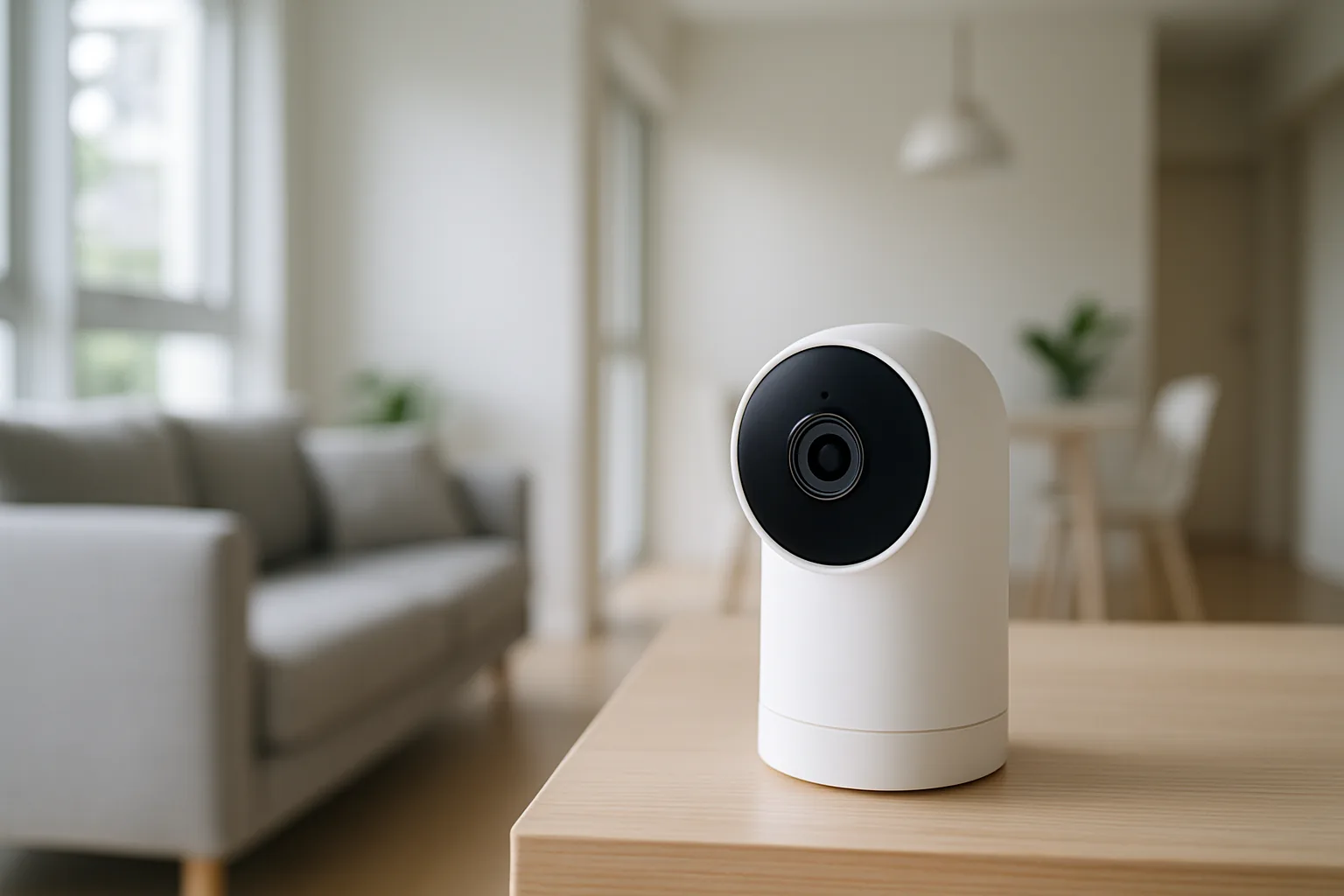
A smart home security camera lets you check on your HDB corridor, condo balcony or living room from your phone, get motion alerts when you are at work, and keep an eye on kids, helpers or elderly parents. In Singapore, where many people travel and live in high-density blocks, a good camera is one of the cheapest and most useful smart-home upgrades you can make. This guide covers the real, locally available brands, the difference between indoor and outdoor use, and how to avoid the recurring-fee traps.
It is written for HDB and condo owners who want reliable eyes on their home without a complicated CCTV installation. We weighed video clarity, night vision, local versus cloud storage and any subscription costs, how well the camera handles our bright-then-stormy weather outdoors, privacy controls, and integration with Google or Alexa. Note that fixing cameras to shared HDB corridor walls needs town-council approval, so factor that in. Prices are indicative SGD ranges and change with sales, so check the latest price before buying.
What to look for in Singapore
- Decide indoor versus outdoor — corridor and balcony cameras need weather resistance and, for HDB corridors, town-council approval to mount.
- Video resolution of at least 2K for clear faces and plate details, plus solid infrared or colour night vision.
- Local microSD storage or a hub, so you are not forced into a monthly cloud subscription to see recordings.
- Check any subscription cost upfront — some brands lock person alerts and event history behind a paid plan.
- Two-way audio and a loud enough speaker for talking to visitors, helpers or delivery riders.
- Reliable motion detection with person or package filtering to cut false alerts from passing neighbours.
- Strong privacy and account security, including two-factor login, since these cameras see inside your home.
- Google Assistant or Alexa support if you want to view feeds on a smart display, plus stable local Wi-Fi coverage where you mount it.
At a glance
| Model | Best for | Key spec | Indicative price | Rating |
|---|---|---|---|---|
| TP-Link Tapo C-series | Overall value | 2K, microSD, no fees | $30–$90 | ★★★★★ |
| Aqara camera range | Smart-home integration | 2K, hub features, local | $50–$150 | ★★★★½ |
| Xiaomi / Mi camera | Budget indoor | Cheap, easy setup | $25–$70 | ★★★★ |
| Eufy Security | No-subscription outdoor | Local storage, battery cam | $120–$400 | ★★★★½ |
| Google Nest Cam | Premium ecosystem | Smart alerts, Google app | $150–$350 | ★★★★ |
The picks
Editor’s Choice
TP-Link Tapo C-series
Tapo cameras are the best value for most Singapore homes — sharp 2K video, dependable person detection, and microSD recording that means no compulsory monthly fee. The range spans indoor pan-tilt units and weatherproof outdoor models, all through one simple app. For watching a living room, corridor (with approval) or helper’s area, this is the easy, affordable pick.
Pros
- Excellent value, no mandatory fees
- microSD local storage
- Wide indoor and outdoor range
Cons
- Cloud plan optional but limited
- App design is basic
Best for smart-home integration
Aqara camera range
If you already run Aqara sensors and locks, its cameras slot in beautifully, doubling as smart-home hubs on some models and driving automations like recording when a door opens. Video quality is strong and local storage keeps costs down. Choose Aqara when you want the camera to be part of a wider automated home, not a standalone gadget.
Pros
- Deep smart-home automations
- Hub features on some models
- Local storage options
Cons
- Best value only within Aqara ecosystem
- Outdoor range narrower than Tapo
Budget
Xiaomi / Mi camera
For a simple indoor camera to watch a nursery, pet or living room, Xiaomi’s Mi cameras are cheap, easy to set up and widely sold on Lazada and Shopee. They cover the basics — decent video, night vision, app alerts — without fuss. Fine as a first camera, though privacy-conscious users should lock down the account and check server settings.
Pros
- Very affordable
- Simple setup
- Good basic video and night vision
Cons
- Fewer outdoor options
- Check privacy and server settings
Best no-subscription outdoor
Eufy Security
Eufy is the standout for outdoor and battery-powered cameras where you do not want a monthly bill — footage stores locally on the HomeBase, and battery models avoid trailing cables on a balcony or gate. Detection is reliable and video is crisp. A strong pick for condo entrances and landed-home perimeters where wiring is awkward.
Pros
- Local storage, no forced fees
- Battery cams avoid wiring
- Good outdoor performance
Cons
- Higher upfront cost
- HomeBase needed for best features
The verdict
For most Singapore homes the TP-Link Tapo C-series is the best-value smart security camera with no forced fees, while Eufy is the pick for subscription-free outdoor coverage and Aqara for deep smart-home integration.
Frequently asked questions
Can I install a security camera in my HDB corridor?
You can, but mounting a camera on shared corridor walls or ceilings requires prior approval from your town council, and it must not intrude on neighbours’ privacy. Cameras inside your own unit or facing only your gate area are generally fine — check current HDB and town-council guidelines first.
Do smart security cameras need a monthly subscription?
Not necessarily. Brands like Tapo, Eufy and Aqara let you record to local microSD or a hub with no compulsory fee, while some cloud-first brands charge for event history and person alerts. Check the subscription terms before buying to avoid surprise costs.
Which camera is best for watching a helper or elderly parent?
An indoor pan-tilt camera with two-way audio, such as a Tapo or Xiaomi model, works well for keeping an eye on and speaking to family or helpers. Be transparent about cameras in shared living spaces and avoid private areas like bedrooms and bathrooms.
How good is night vision on these cameras?
Most 2K cameras here offer solid infrared night vision, and many newer models add colour night vision if there is some ambient light. For dark corridors or balconies, look for a model with a spotlight or strong starlight sensor.
Are these cameras safe from hacking?
They are reasonably safe if you use a strong unique password, enable two-factor authentication and keep firmware updated. Buy from reputable brands with official SG stores, and avoid ultra-cheap unbranded cameras with poor security track records.
Related guides
Planning a smarter home?
Tell us your space and budget — we’ll point you to the right devices, or connect you with a supplier.

