Reviews are independent. Prices are indicative (SGD) and change often — always check the latest price before buying. We may earn a commission from some links.
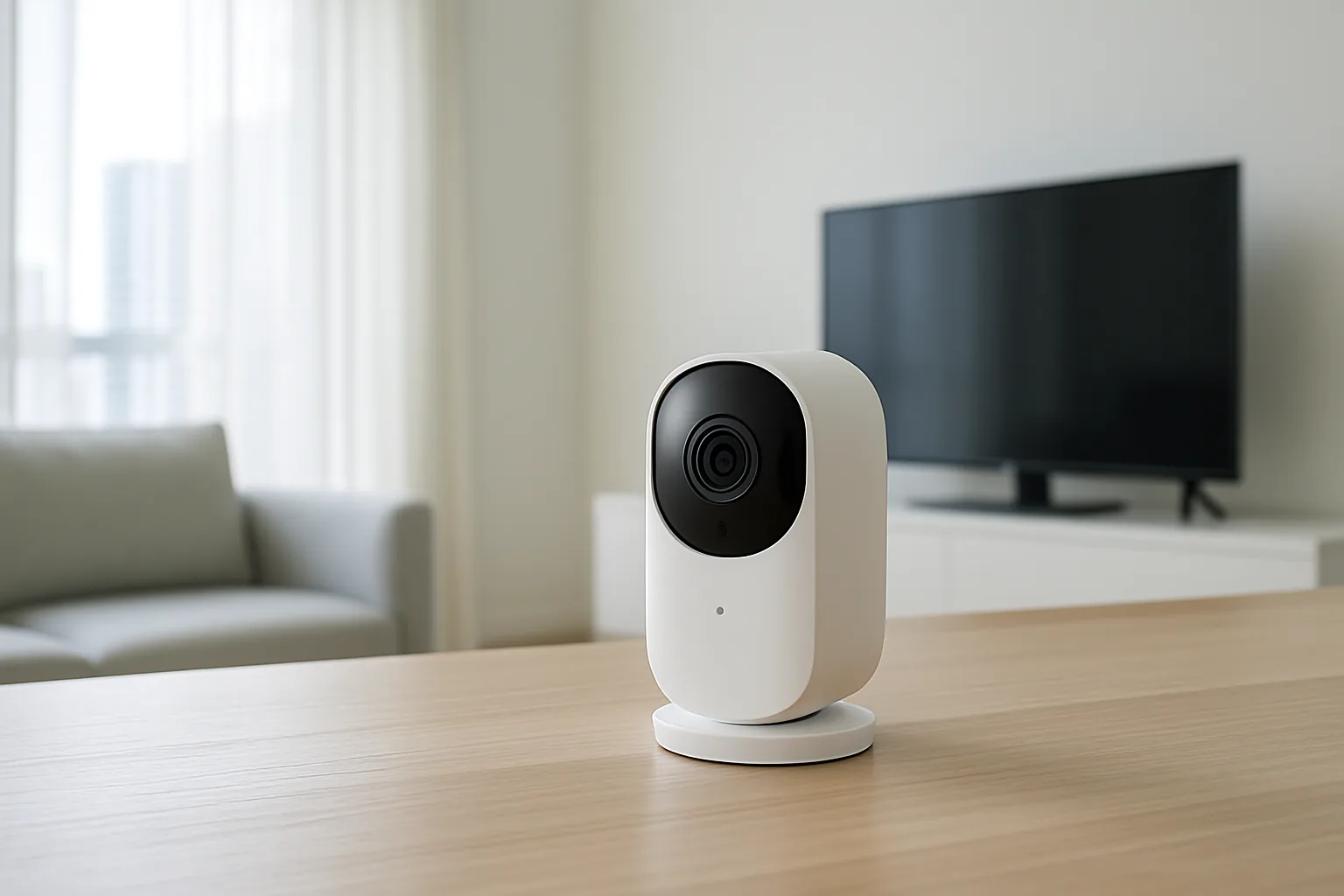
A smart camera for home security gives Singapore households a live eye on the front door, the helper’s routine, an elderly parent or a curious toddler, all from your phone wherever you are. Modern home cameras pack sharp night vision, motion alerts, two-way audio and cloud or local recording into units that set up in minutes and cost far less than a wired CCTV system. This guide covers the best smart cameras for HDB flats and condos here, how they handle our lighting and privacy concerns, and which brands offer dependable local support.
We wrote this for homeowners who want reliable monitoring without a complicated installation or a monthly bill they resent. Our picks span indoor, outdoor and doorbell-style cameras, judged on image quality, alert accuracy, storage options and SGD value. Whether you want to check on pets during the day or keep an eye on your corridor at night, there is a camera here that fits Singapore living. We pay particular attention to storage, because the choice between free local microSD recording and a monthly cloud subscription quietly decides the true cost of a camera over its life. Privacy is the other theme we weigh heavily, from where you can point a camera in a shared HDB corridor to how well each brand secures your footage against unwanted access.
What to look for in Singapore
- Indoor vs outdoor: choose a weather-rated model for corridors, balconies and gates, and a discreet indoor unit for living areas — the ideal for many homes is both.
- Resolution and night vision: aim for at least 2K clarity and good low-light or colour night vision, since many Singapore corridors and car parks are dimly lit.
- Storage choice: decide between free local microSD storage and subscription cloud, weighing ongoing cost against the convenience of off-site backup.
- Privacy and data handling: look for local recording options, encryption and a privacy shutter for indoor cameras, especially in bedrooms and near helpers.
- Motion detection smarts: person, pet and package detection cut false alerts from passing shadows and insects, which are common here.
- Wi-Fi and app reliability: confirm 2.4GHz Wi-Fi support and a stable app, as dropouts make a security camera useless.
- Voice and ecosystem fit: check compatibility with Google Home or Alexa if you want to view feeds on a smart display.
- Local warranty and support: buy from a Singapore seller so firmware, warranty and replacement are straightforward.
At a glance
| Model | Best for | Key spec | Indicative price | Rating |
|---|---|---|---|---|
| TP-Link Tapo C-series — Editor’s Choice | Overall value | 2K+, local & cloud storage | $40–$120 | ★★★★★ |
| Xiaomi/Mi Home Security Camera — Best budget | Indoor monitoring | 2K, easy app, microSD | $30–$90 | ★★★★☆ |
| Aqara Camera Hub — Best smart-home tie-in | HomeKit homes | Doubles as Zigbee hub | $80–$180 | ★★★★☆ |
| Eufy Security cameras — Best local storage | No-subscription privacy | Local storage, no monthly fee | $120–$350 | ★★★★☆ |
| Reolink outdoor cameras — Best for outdoors | Gates & car parks | Weatherproof, 4K options | $100–$300 | ★★★★☆ |
The picks
Editor’s Choice
TP-Link Tapo C-series
Tapo’s cameras hit the sweet spot for Singapore homes, offering sharp 2K-plus footage, reliable person detection and the choice of free microSD storage or optional cloud. Affordable, widely stocked and easy to set up, they are the safe default for most flats and condos.
Pros
- Great value 2K+ clarity
- Free local storage option
- Reliable app & alerts
Cons
- Cloud features need a subscription
- Outdoor models need a nearby socket
Best budget
Xiaomi / Mi Home Security Camera
Xiaomi’s home cameras deliver crisp indoor monitoring at rock-bottom prices, with 2K footage, pan-tilt options and microSD recording. Ideal for keeping an eye on pets, kids or helpers without spending much at all.
Pros
- Very affordable
- 2K with pan/tilt
- Simple Mi Home app
Cons
- Mostly indoor models
- App region settings can be fiddly
Best smart-home tie-in
Aqara Camera Hub
Aqara’s cameras double as a Zigbee hub, so they monitor your home while connecting your sensors and lights, and many support Apple Home. A neat two-in-one for households building an Aqara or HomeKit smart home.
Pros
- Camera plus Zigbee hub
- Apple Home support
- Good indoor image quality
Cons
- Best value inside Aqara ecosystem
- Fewer outdoor options
Best local storage
Eufy Security cameras
Eufy’s selling point is local storage with no compulsory subscription, appealing to privacy-conscious Singapore homeowners wary of cloud fees. Strong battery models and solid detection make it a dependable, cost-over-time-friendly choice.
Pros
- No mandatory subscription
- Local storage & privacy focus
- Good battery-powered options
Cons
- Higher upfront cost
- Some features still cloud-linked
Best for outdoors
Reolink outdoor cameras
Reolink specialises in weatherproof outdoor cameras with up to 4K clarity and reliable local recording, ideal for gates, balconies and landed-home perimeters. A strong pick when you need sharp footage of the area outside your door.
Pros
- Weatherproof and durable
- High-resolution options
- Strong local storage
Cons
- Wired models need power runs
- App less polished than Tapo
The verdict
For most Singapore homes the TP-Link Tapo C-series is the best-value smart camera thanks to sharp footage and free local storage, while Eufy is the pick if avoiding subscriptions and keeping data local matters most to you.
Frequently asked questions
Do I need a subscription to use a smart home camera?
Not necessarily — many cameras like Tapo, Xiaomi and Eufy record to local microSD or built-in storage for free, with cloud storage offered as an optional paid extra. Choose local storage if you want to avoid monthly fees.
Are smart home cameras legal in an HDB flat?
Cameras pointed within your own home are fine, but be mindful of privacy laws and neighbours if a camera faces a shared corridor or another unit’s door. Avoid recording common areas in a way that captures neighbours without cause.
Which smart camera is best for night vision in Singapore?
Look for cameras with strong infrared or colour night vision, as many local corridors and car parks are dimly lit. Tapo and Reolink models are well regarded for clear low-light footage.
How do I keep my camera feed secure from hacking?
Use a strong unique password, enable two-factor authentication, keep firmware updated, and prefer brands offering encryption and local storage. Avoid unbranded cameras with poor security track records.
Can I view my camera on a Google or Alexa display?
Many smart cameras integrate with Google Home or Alexa, letting you pull up the feed on a smart display by voice, which is handy for glancing at the front door without reaching for your phone. Check the specific model supports your assistant before buying, as support can vary between a brand’s indoor and outdoor ranges.
Related guides
- More Smart Home guides
- Best Smart Home Security Camera in Singapore
- Best Wireless Home Camera in Singapore
Planning a smarter home?
Tell us your space and budget — we’ll point you to the right devices, or connect you with a supplier.

