Reviews are independent. Prices are indicative (SGD) and change often — always check the latest price before buying. We may earn a commission from some links.
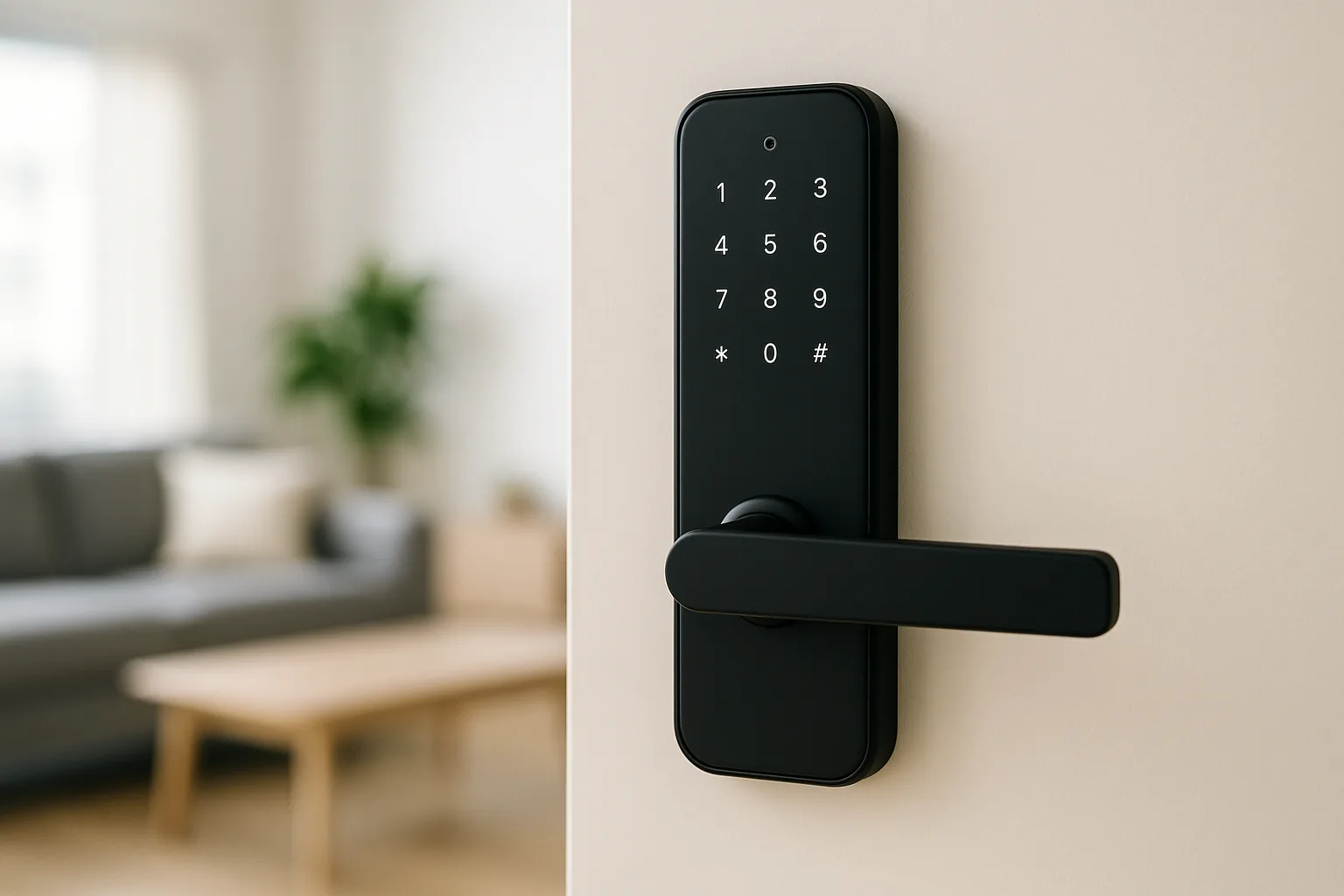
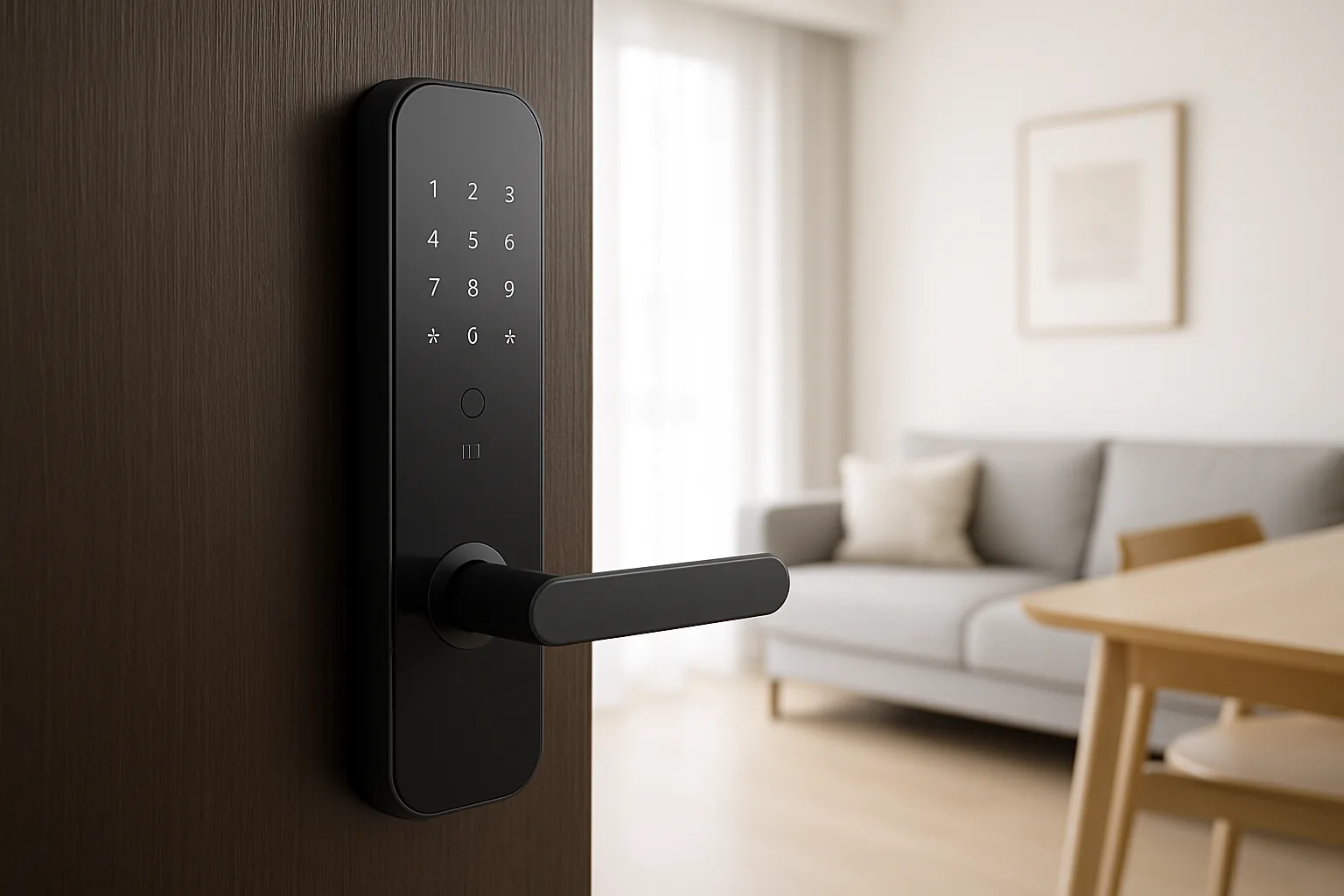
A Xiaomi automatic smart door lock brings hands-free, auto-locking entry to your Singapore flat at a price that undercuts most premium lock brands, while tying neatly into the Mi Home ecosystem many local homes already run. Xiaomi’s push-pull and auto-locking models unlock by fingerprint, PIN, card and app, then re-lock themselves behind you, and this guide walks through the Xiaomi lock line-up so you can match the right model to your HDB or condo main door.
This guide is for Singapore homeowners who want the convenience of automatic locking on a budget and value integration with Xiaomi and Aqara devices. We compared the Xiaomi lock family on door compatibility, biometric reliability in our humidity, unlocking methods and value in SGD, and only referenced models genuinely sold and supported here. Prices are indicative ranges including typical installation and change often with promotions, so confirm the latest quote with an authorised reseller before buying.
What to look for in Singapore
- Confirm the lock body suits your door — Xiaomi’s push-pull mortise models are made for standard main doors, so have an installer check your cut-out and thickness.
- Prioritise true auto-locking, so the door secures itself the moment it closes without you pressing anything.
- Choose a fingerprint sensor that reads well in Singapore humidity, and keep PIN and card as reliable backups.
- Check whether app control and notifications need a Xiaomi gateway or the lock’s own Wi-Fi/Bluetooth, and budget accordingly.
- Look for multiple unlock methods plus an emergency power option, such as a USB-C or 9V jump-start at the door.
- Verify Mi Home (Xiaomi Home) integration if you want the lock to trigger scenes, like turning on lights when you enter.
- Buy the Singapore or global set from authorised resellers for local warranty, rather than a China-market unit with Chinese-only firmware.
- Mind HDB fire-door rules and your door warranty, and use an experienced installer to protect both.
At a glance
| Model | Best for | Key spec | Indicative price | Rating |
|---|---|---|---|---|
| Xiaomi Smart Door Lock 2 (push-pull) — main door | Overall pick | Auto-lock push-pull, fingerprint+PIN+card+app | $350–$650 | ★★★★★ |
| Xiaomi Smart Door Lock Pro — premium features | Premium build | Push-pull, camera/peephole options, Mi Home | $500–$900 | ★★★★☆ |
| Xiaomi Smart Lock (entry mortise) — value | Best value | Fingerprint + PIN + app, auto-locking | $300–$500 | ★★★★☆ |
| Aqara Smart Lock U-series — Mi Home compatible | Best integration | Matter/Zigbee, works with Mi Home & Apple/Google | $400–$700 | ★★★★☆ |
The picks
Editor’s Choice
Xiaomi Smart Door Lock 2 (push-pull)
The push-pull Xiaomi Smart Door Lock 2 is the sweet spot for most Singapore main doors: automatic locking, fast fingerprint reading, PIN and card entry, and Mi Home integration so entry can trigger your lights and scenes. It delivers a premium auto-lock experience at a distinctly mid-range price.
Pros
- True auto-locking push-pull convenience
- Fast fingerprint plus PIN, card and app
- Ties into Mi Home scenes and automations
Cons
- Full app features may need a Xiaomi gateway
- Buy the SG/global set for local warranty
Premium
Xiaomi Smart Door Lock Pro
The Pro adds a heftier build and premium extras like camera or peephole options on some variants, for owners who want a flagship Xiaomi lock without leaving the ecosystem. It suits renovated homes where you want the top Xiaomi door experience and richer entry logging.
Pros
- Premium build and feature set
- Camera/peephole options on some variants
- Deep Mi Home integration
Cons
- Pricier than the standard model
- Some variants are region-specific, so check the set
Best Value
Xiaomi Smart Lock (entry mortise)
The entry-level Xiaomi lock gives you auto-locking, fingerprint, PIN and app entry at the lowest price in the range, making it the value pick for owners who want the core smart-lock experience without extras. It is a solid first smart lock for a budget-conscious flat.
Pros
- Lowest-price Xiaomi smart lock
- Core auto-lock and multi-method entry
- Fits the Mi Home ecosystem
Cons
- Fewer premium features
- Fit depends on your door type
Best integration
Aqara Smart Lock U-series
Because Aqara sits in the same broad Xiaomi world and adds Matter, the U-series is the pick if you want an auto-locking lock with the widest integration across Apple Home, Google Home and Mi Home-style automations. It is a natural companion for a Xiaomi-leaning smart home that also uses HomeKit.
Pros
- Auto-lock with the broadest ecosystem support
- Matter, Apple Home and Google Home
- Push-pull models for SG main doors
Cons
- Needs an Aqara hub for full features
- Slightly dearer than entry Xiaomi locks
The verdict
For most Singapore homes the Xiaomi Smart Door Lock 2 push-pull is the best-value automatic lock, while the Pro suits owners wanting a flagship Xiaomi experience and Aqara’s U-series is best if you also want Apple Home integration.
Frequently asked questions
What does an automatic smart lock actually do?
An automatic, or auto-locking, smart lock re-locks the door by itself the moment it closes, so you never leave home unlocked by accident. Xiaomi’s push-pull models combine this with fingerprint, PIN, card and app entry for fully hands-free daily use. In a busy household with children and elderly parents, this means no more worrying about who forgot to lock up, since the door secures itself every single time.
Is a Xiaomi smart lock suitable for a HDB main door?
Xiaomi’s push-pull mortise models are designed for standard main doors, but your installer should confirm the door thickness and cut-out first. HDB fire-rated doors have specific requirements, so use an experienced installer to keep both the lock and door warranties valid.
Do I need to buy the Singapore version of the lock?
Yes, buy the Singapore or global set from an authorised reseller. China-market units may ship with Chinese-only firmware and no local warranty, and can be harder to integrate with an English Mi Home app or to service locally.
Does the Xiaomi lock work with Mi Home automations?
Yes, Xiaomi locks integrate with the Mi Home (Xiaomi Home) app, so entry can trigger scenes such as switching on lights or disarming sensors. For full remote access and notifications, some models expect a Xiaomi gateway on your network.
How reliable is the fingerprint in Singapore’s humidity?
Xiaomi’s fingerprint sensors generally cope well with local humidity, though very wet fingers can occasionally fail. Keep a PIN and card as backups, and wipe the sensor now and then for the most consistent reads. It also helps to register two or three fingerprints per person, including a thumb and index finger, so entry stays smooth if one finger is wet or your hands are full of shopping.
Related guides
Planning a smarter home?
Tell us your space and budget — we’ll point you to the right devices, or connect you with a supplier.