Reviews are independent. Prices are indicative (SGD) and change often — always check the latest price before buying. We may earn a commission from some links.
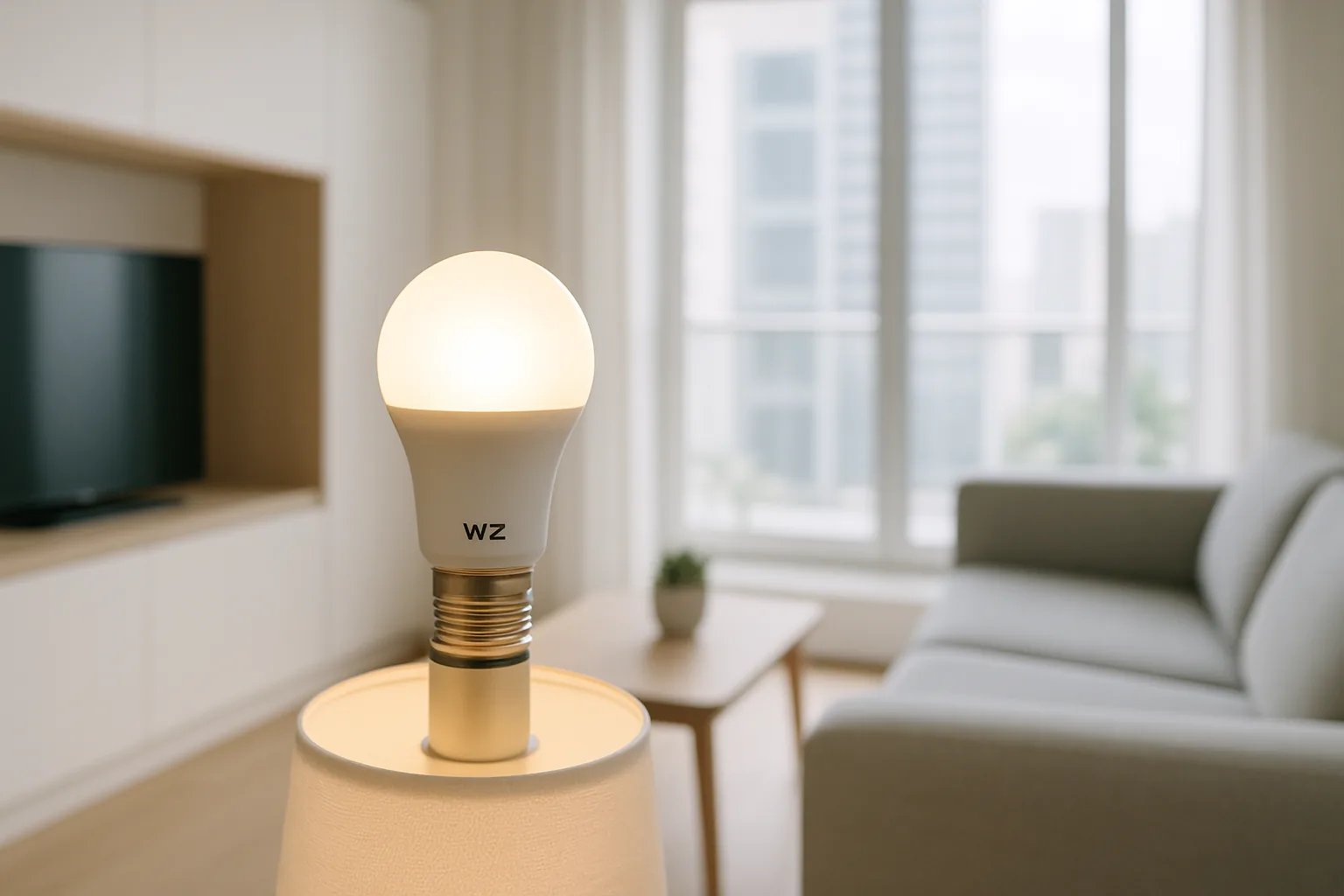
A WiZ smart bulb is one of the easiest smart-lighting entry points for Singapore homes because it connects straight to your Wi-Fi with no hub to buy, yet still comes from Signify, the same company behind Philips Hue. That means Hue-adjacent quality and app polish at a friendlier price, with full-colour bulbs, tunable white, scenes and scheduling all controlled from the WiZ app. This guide covers the WiZ range worth buying here, from the standard E27 colour bulb to spotlights and strips, so you can build reliable smart lighting for an HDB flat or condo without a hub. Because the bulbs join your existing router directly, setup is a matter of scanning a code in the app, and there is no extra box drawing power in a corner of the living room.
We wrote this for buyers who want simple, dependable smart lighting and like the idea of skipping a separate bridge. We weighed brightness, colour quality, app reliability, voice assistant support and local availability. WiZ sits neatly between budget no-name bulbs and premium Hue, and below we highlight which WiZ products suit different rooms across a flat. A single stable 2.4GHz network covering the whole home is the one thing that makes or breaks a hub-free setup, so we flag where mesh routers and band settings matter, and for most families upgrading room by room, WiZ lets you start with one bulb and scale up painlessly. Below we get the best from them in Singapore’s homes.
What to look for in Singapore
- Fitting type, checking whether you need an E27 screw, E14 candle, GU10 spot or a strip.
- Hub-free Wi-Fi setup, a key WiZ advantage, but it needs a stable 2.4GHz network.
- Colour versus tunable-white versus warm-white, depending on the mood and room.
- Brightness in lumens to match living, dining or bedroom needs.
- App features like scenes, schedules and circadian rhythm lighting.
- Voice assistant support via Google Home or Alexa for hands-free control.
- Value versus premium Hue, since WiZ offers much of the experience for less.
- Local availability and warranty from reputable Singapore sellers.
At a glance
| Model | Best for | Key spec | Indicative price | Rating |
|---|---|---|---|---|
| WiZ Colour A60 (E27) — full colour | Colour scenes, hub-free | RGB + tunable white, Wi-Fi | $20–$40 | ★★★★★ |
| WiZ Tunable White (E27) — adjustable white | Everyday warm-to-cool | 2700K–6500K white, Wi-Fi | $15–$30 | ★★★★☆ |
| WiZ GU10 Spot — downlights | Recessed and track lights | Colour / white, GU10 fit | $18–$35 | ★★★★☆ |
| WiZ LED Strip — accent lighting | TV and cove accents | RGB strip, Wi-Fi | $35–$65 | ★★★★☆ |
The picks
Editor’s Choice
WiZ Colour A60 (E27)
The colour A60 is WiZ’s flagship bulb, delivering vivid RGB scenes plus warm-to-cool white over Wi-Fi with no hub required. Backed by Signify’s engineering, it offers Hue-like polish and reliability at a notably lower price, making it our top pick for most rooms.
Pros
- Full colour plus tunable white
- No hub needed, Wi-Fi direct
- Signify quality at a keen price
Cons
- Needs stable 2.4GHz Wi-Fi
- Not as bright as top premium bulbs
Best Value
WiZ Tunable White (E27)
If you do not need colour, the tunable-white A60 shifts from cosy warm light to crisp cool white for working or cooking, at a lower price. It is the practical choice for bedrooms, studies and kitchens across a Singapore flat.
Pros
- Warm-to-cool white control
- Cheaper than the colour bulb
- No hub required
Cons
- No colour options
- Wi-Fi dependent
Best for spotlights
WiZ GU10 Spot
Many condos rely on GU10 downlights and track lights, and WiZ’s GU10 smart spots bring colour or tunable white to those fittings with no rewiring. A tidy way to make recessed lighting smart and hub-free.
Pros
- Fits common GU10 fittings
- Colour or white options
- No rewiring or hub needed
Cons
- Check dimmer compatibility
- Lower output than large bulbs
Best accent lighting
WiZ LED Strip
For TV backlighting, cove lighting or feature walls, the WiZ RGB strip adds colour and movement over Wi-Fi, controlled from the same app as your bulbs. A great finishing touch for condo living rooms.
Pros
- Vivid RGB accent effects
- Same app as WiZ bulbs
- Hub-free Wi-Fi setup
Cons
- Adhesive can lift over time
- Best paired with other WiZ lights
The verdict
For most Singapore homes the WiZ Colour A60 is the best all-round pick, delivering Signify quality and vivid scenes with no hub, while the tunable-white bulb is excellent value for everyday rooms.
Frequently asked questions
Do WiZ bulbs need a hub?
No. WiZ bulbs connect directly to your 2.4GHz Wi-Fi with no bridge required, which is a key advantage over hub-based systems like Philips Hue. You just need a stable home Wi-Fi network. If your home runs a combined-band or 5GHz-only mesh, enable a 2.4GHz network during setup, as the bulbs will not join a 5GHz-only band even though they run fine once connected.
Is WiZ made by the same company as Philips Hue?
Yes. WiZ is part of Signify, the same company behind Philips Hue. WiZ is the more affordable, hub-free line, while Hue is the premium, hub-based system.
Do WiZ bulbs work with Google Home or Alexa?
Yes. WiZ bulbs support Google Home and Alexa for voice control and routines, alongside the WiZ app’s scenes and schedules.
Is WiZ good value compared to Hue?
For most homes, yes. WiZ delivers much of the Hue experience — colour, scenes, scheduling — at a lower price and without buying a hub. Hue still leads on ecosystem depth and peak brightness. For a first smart-lighting system in an HDB flat or condo, WiZ hits the sweet spot of quality, price and simplicity, and you can always add Hue later for rooms that need extra brightness or accessories. Most buyers find the hub-free convenience more than makes up for the small gap in peak performance.
Will WiZ bulbs fit my Singapore lights?
WiZ makes E27 screw, E14 candle, GU10 spot and strip options, covering most local fittings. Check whether your fixture uses E27, E14 or GU10 before buying, and note the bulb’s lumen output so a large living-room pendant gets a bright enough bulb while a bedside lamp does not. If a fixture is on a physical dimmer switch, set that to full and dim in the app instead to avoid flicker.
Related guides
Planning a smarter home?
Tell us your space and budget — we’ll point you to the right devices, or connect you with a supplier.

