Reviews are independent. Prices are indicative (SGD) and change often — always check the latest price before buying. We may earn a commission from some links.
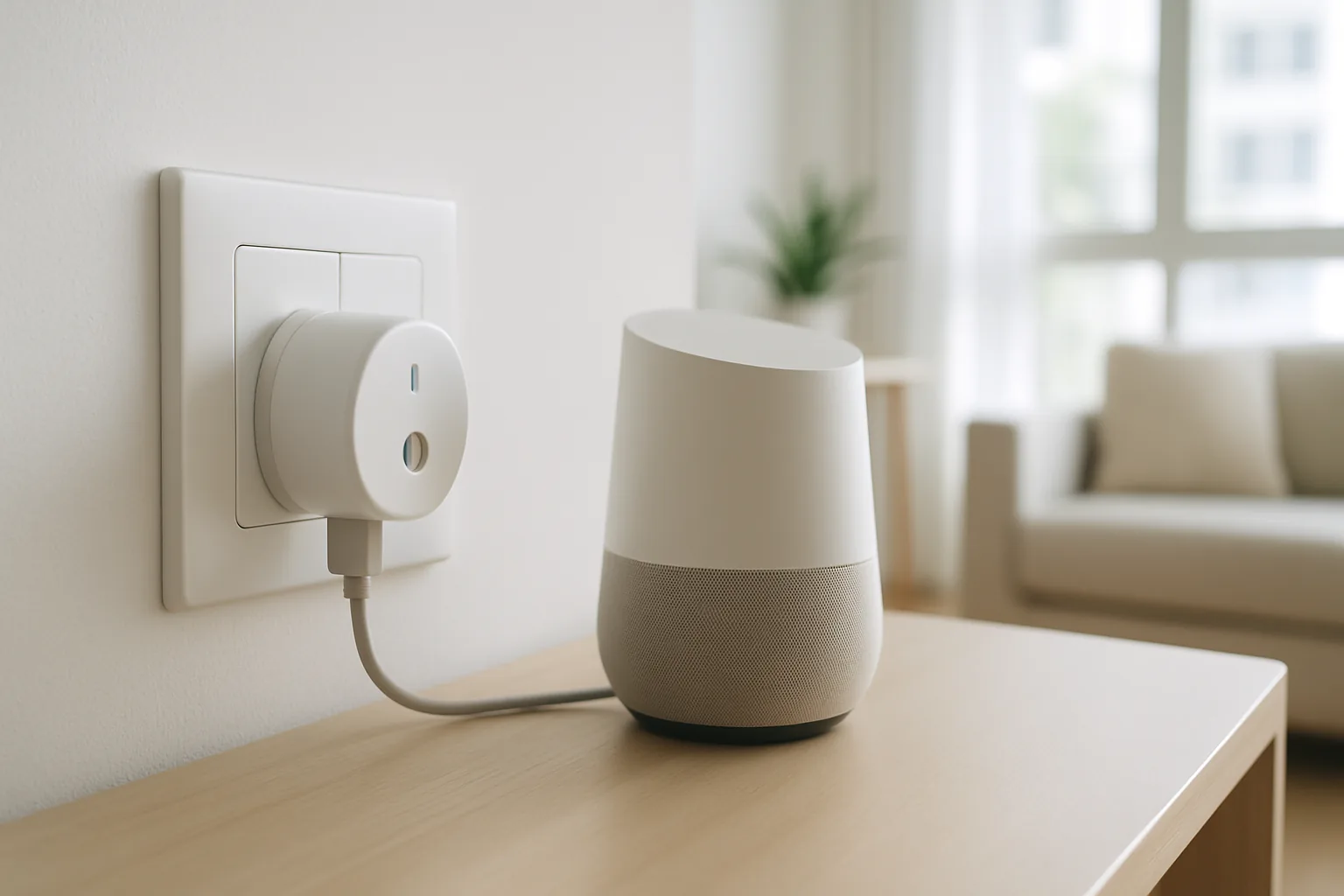
The best smart plug for Google Home in Singapore is the one that links cleanly to the Google Home app, responds instantly to voice commands, and stays connected without dropping offline. This guide covers the smart plugs that pair most reliably with Google Home and Google Assistant on local Wi-Fi, so you can say “Hey Google, turn off the fan” and have it just work. We focus on the integration quality that separates a smooth setup from a frustrating one.
It is written for HDB and condo owners who already use a Google Nest speaker or the Google Home app and want to add reliable, voice-controlled plugs. Because the most common complaint is a plug showing offline in Google Home, we weigh linking stability, response speed and how easy each brand makes the initial Google account connection. If you are still building your setup, our smart home guides cover how to bring lights, sensors and plugs together under one assistant.
What to look for in Singapore
- Confirmed Google Home and Google Assistant support for the exact model, so voice control and app tiles work from day one.
- A stable cloud link that does not repeatedly show the plug offline in Google Home on Singapore broadband.
- 2.4GHz Wi-Fi compatibility, since these plugs use the 2.4GHz band that Google Home devices also expect.
- Fast response so voice commands switch the plug within a second, not after an awkward delay.
- Singapore three-pin (Type G) design that fits local sockets and does not block the adjacent outlet on a strip.
- Sufficient current rating (10A or more) for higher-draw devices you may want Google to control, like heaters.
- Google Home routines support, so the plug can join “good morning” or “leaving home” scenes.
- Optional energy monitoring in the brand app for tracking usage, even though Google Home itself will not display it.
At a glance
| Model | Best for | Key spec | Indicative price | Rating |
|---|---|---|---|---|
| TP-Link Tapo P110 — Editor’s Choice | Overall Google Home | Reliable link, energy monitor | $18–$30 | ★★★★★ |
| TP-Link Tapo P100 — Best value | Simple voice control | Compact, easy Google link | $12–$18 | ★★★★☆ |
| Meross Smart Plug — Best multi-assistant | Google + Apple + Alexa | Wi-Fi, broad assistant support | $20–$35 | ★★★★☆ |
| Xiaomi/Mi Smart Plug — Budget pick | Cheapest Google option | Wi-Fi, schedule + voice | $12–$20 | ★★★★☆ |
| SwitchBot Plug Mini — Best automations | Routines + energy | Wi-Fi, Google routines, stats | $20–$30 | ★★★★☆ |
The picks
Editor’s Choice
TP-Link Tapo P110
The Tapo P110 offers the smoothest Google Home experience in Singapore: linking the Tapo service to Google Home is quick, the plug rarely drops offline, and voice commands respond fast. You also get energy monitoring in the Tapo app. For most Google-home users this is the plug to buy first.
Pros
- Very reliable Google Home link
- Fast voice response
- Energy monitoring in app
Cons
- Needs both Tapo and Google apps
- No Apple HomeKit
Best value
TP-Link Tapo P100
The P100 gives the same dependable Google Home integration as the P110 in a smaller, cheaper body without energy monitoring. It is the value pick for adding voice-controlled plugs around the flat, and its compact size suits crowded power strips.
Pros
- Same reliable Google link
- Compact and affordable
- Simple setup
Cons
- No energy monitoring
- No HomeKit
Best multi-assistant
Meross Smart Plug
If your household mixes Google, Apple and Alexa devices, Meross supports all three, so a single plug works no matter who is asking. Google Home linking is straightforward and the plug runs hub-free on Wi-Fi. A flexible choice for mixed-device homes.
Pros
- Works with Google, Apple and Alexa
- Hub-free Wi-Fi
- Easy Google linking
Cons
- Plainer app
- Energy stats model-dependent
Budget pick
Xiaomi Mi Smart Plug
Xiaomi’s plug links to Google Home for basic voice control at the lowest price, and slots into the Xiaomi Home app if you own other Mi gear. A cheap way to add a Google-controlled lamp or fan, though response can be a touch slower than Tapo.
Pros
- Lowest price
- Works with Google Home
- Xiaomi Home integration
Cons
- Occasional voice lag
- No energy monitoring
Best for routines
SwitchBot Plug Mini
SwitchBot’s Plug Mini joins Google Home routines cleanly and adds energy stats, plus it ties into SwitchBot curtains and sensors for richer scenes. A strong option if you want the plug to play a part in “leaving home” or “good night” automations.
Pros
- Slots into Google routines
- Energy monitoring
- Wider SwitchBot scenes
Cons
- Best inside SwitchBot ecosystem
- Some scenes need a hub
The verdict
For Google Home users in Singapore the TP-Link Tapo P110 is the most reliable and feature-rich smart plug, with the P100 as the value option and Meross for homes that also use Apple or Alexa.
Frequently asked questions
How do I add a smart plug to Google Home?
Set the plug up in its own brand app first (Tapo, Meross or Xiaomi), then in Google Home tap add device, choose “works with Google”, and sign in to the plug’s account to link it. The plug then appears in Google Home for voice and tile control.
Why does my smart plug show offline in Google Home?
Usually a Wi-Fi or linking issue rather than a fault. Keep the plug on the 2.4GHz band and in good router range, and if it persists, unlink and re-link the brand service in Google Home. Reliable brands like Tapo have this problem least.
Which smart plugs work best with Google Home in Singapore?
The TP-Link Tapo P110 and P100 are the most consistent Google Home performers on local Wi-Fi. Meross and SwitchBot also integrate well, and Meross adds Apple Home if you have iPhones in the house.
Can I control a smart plug by voice with Google Assistant?
Yes. Once linked, you can say commands like “Hey Google, turn on the bedroom fan” to any Google Nest speaker or the Assistant on your phone, and the plug switches within a second on a good connection.
Do I still need the brand app after linking to Google Home?
You can control the plug entirely by voice or the Google Home app for on-off and routines, but the brand app is where you set up the plug, adjust schedules and view energy data, since Google Home does not display usage stats. In practice most people use both: Google Home for everyday voice control and the brand app for deeper settings and firmware updates.
Related guides
Planning a smarter home?
Tell us your space and budget — we’ll point you to the right devices, or connect you with a supplier.