Reviews are independent. Prices are indicative (SGD) and change often — always check the latest price before buying. We may earn a commission from some links.
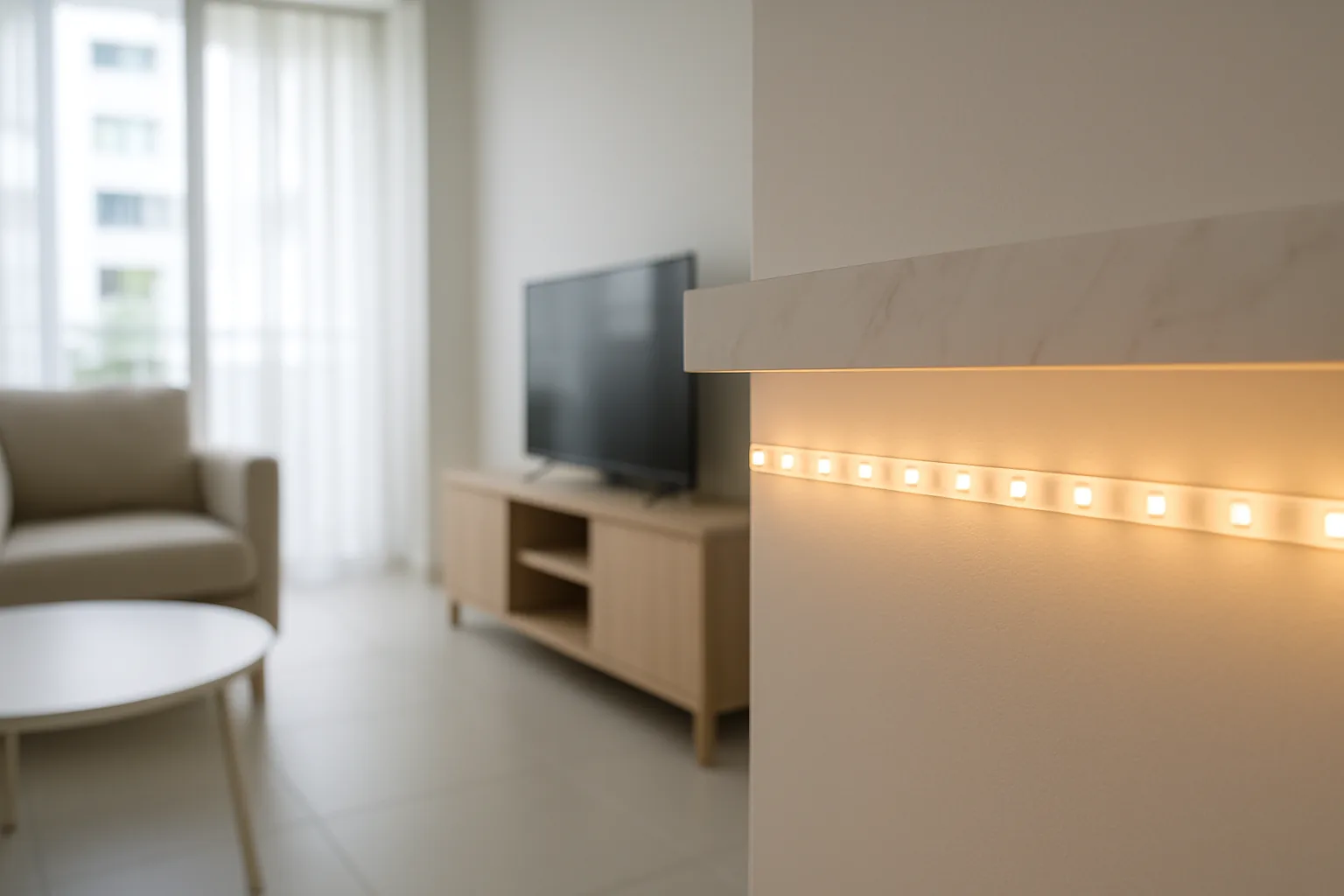
A smart light strip is the easiest, most fun way to transform a room’s mood in Singapore — stick it behind the TV, under a kitchen cabinet or along a feature wall, and control the colour and brightness from your phone or voice. These flexible LED strips are hugely popular in HDB flats and condos for adding ambience without any renovation, and the good ones sync with music, movies and smart-home routines. This guide rounds up the best smart light strips you can buy and use easily in Singapore, from budget favourites to premium screen-sync setups.
We chose strips that are reliable on home Wi-Fi, offer rich colours and easy app control, and are simple to cut and mount in real flats. We weighed brightness, colour accuracy, app and voice support (Alexa, Google, HomeKit), and value in SGD. Whether you want cheap RGB mood lighting, a music-reactive gaming setup, or a polished TV backlight, there’s a smart light strip here to suit your home and budget.
What to look for in Singapore
- Measure your run first — TV backlights, cabinet undersides and skirting all need different lengths, and some strips are cut-to-fit while others aren’t.
- Decide between single-colour, RGB, or addressable RGBIC strips; RGBIC shows multiple colours along one strip for the best effects.
- Check brightness (lumens) if you want the strip for actual task or accent lighting, not just faint mood glow.
- Confirm the app and voice support you want — Alexa, Google Home or Apple HomeKit — so it fits your existing setup.
- Look for reliable 2.4GHz Wi-Fi or Bluetooth pairing that stays connected across a typical HDB flat.
- For TV and gaming, consider music-sync or screen-sync (camera or HDMI) strips for reactive lighting.
- Check the adhesive quality and whether you’ll need extra mounting clips, as Singapore’s humidity can loosen cheap backing over time.
- Buy from a locally-supported brand so replacements, extensions and warranty are easy to sort here.
At a glance
| Model | Best for | Key spec | Indicative price | Rating |
|---|---|---|---|---|
| TP-Link Tapo light strip — value | Overall | RGB, app + voice | $25–$60 | ★★★★★ |
| Philips Hue Lightstrip — premium | Best quality | RGBIC, HomeKit/hub | $90–$250 | ★★★★★ |
| Xiaomi/Yeelight strip — budget RGB | Cheap mood light | RGB, app | $20–$50 | ★★★★☆ |
| Aqara LED strip — smart-home | Automation | RGBIC, hub | $60–$150 | ★★★★☆ |
| IKEA smart strip — simple setup | Beginners | White/colour, app | $40–$100 | ★★★★☆ |
The picks
Editor’s Choice
TP-Link Tapo light strip
Tapo’s light strips are the best all-round value in Singapore — vivid RGB colours, easy app and voice control, and prices that make it a no-brainer for a first smart-lighting project. They’re simple to set up and reliable on home Wi-Fi. For most people wanting mood lighting without fuss, start here.
Pros
- Great value colours
- Easy app + Alexa/Google
- Reliable Wi-Fi setup
Cons
- Not addressable RGBIC on cheaper models
- Adhesive may need reinforcing
Premium
Philips Hue Lightstrip
Philips Hue is the gold standard — gorgeous RGBIC colour, rock-solid reliability via the Hue Bridge, and the best ecosystem for whole-home automation and TV sync. It costs more, but the colour quality, app polish and HomeKit support are unmatched. The pick for enthusiasts who want lighting done properly.
Pros
- Best-in-class colour and reliability
- Deep smart-home and HomeKit support
- TV sync via Hue Sync
Cons
- Expensive, and needs the Hue Bridge
- Sync box is a further cost
Best Budget
Xiaomi Yeelight strip
For the cheapest way into colour mood lighting, Xiaomi’s Yeelight strips deliver bright RGB and app control for very little money. They’re perfect for a bedroom accent or gaming corner on a tight budget. Setup is via the Mi Home or Yeelight app.
Pros
- Very affordable
- Bright RGB colours
- App control
Cons
- App less polished than Hue
- Support more online than in-store
Best for Smart Homes
Aqara LED strip
Aqara’s RGBIC strips slot into its wider ecosystem so lighting can react to sensors, doors and routines across your flat. Colour effects are rich and HomeKit support is strong. Best value if you already run, or plan to build, an Aqara smart home.
Pros
- Ties into automations and sensors
- RGBIC colour effects
- HomeKit support
Cons
- Best within Aqara’s ecosystem
- Needs a hub for full features
Best for Beginners
IKEA smart light strip
IKEA’s smart lighting is the friendliest way for beginners to start — affordable strips and bulbs that pair easily and work with the wider smart-home platforms once set up. The range is simpler than Hue’s, but that’s part of the appeal for a first project. A sensible, low-risk pick if you want smart light effects without the fuss or cost of a premium ecosystem.
Pros
- Affordable and beginner-friendly
- Easy pairing and setup
- Works with major platforms
Cons
- Fewer effects than RGBIC rivals
- Simpler app experience
The verdict
For most Singapore homes, the TP-Link Tapo light strip offers the best value and ease; step up to Philips Hue if you want the finest colour, reliability and TV sync, or Xiaomi Yeelight for the cheapest mood lighting.
Frequently asked questions
Where should I put a smart light strip in an HDB flat?
Popular spots are behind the TV for a backlight, under kitchen cabinets, along a feature wall, or beneath a bed frame for a floating glow. Measure the run first and check whether the strip is cut-to-fit so it matches your space neatly.
Can smart light strips sync with music or movies?
Yes — many strips offer music-sync via the app’s microphone, and premium options like Philips Hue add TV screen-sync through a sync box or HDMI. This makes them popular for gaming setups and home cinema corners.
Do smart light strips work with Google Home or Alexa?
Most do — TP-Link Tapo, Philips Hue, Xiaomi and Aqara all support voice control via Google Assistant and Alexa, with Hue and Aqara also supporting Apple HomeKit. Check the box for the platform you use before buying.
Will the adhesive hold in Singapore’s humidity?
Cheaper strips can peel over time in our humid, warm climate, especially near kitchens or bathrooms. Reinforce with mounting clips or stronger double-sided tape for a lasting install, particularly on curved or textured surfaces.
How much do smart light strips cost in Singapore?
Budget RGB strips start around $20–$60, while premium RGBIC systems like Philips Hue run $90–$250 or more with a bridge. Factor in extensions and any sync box if you want a longer run or TV syncing.
Related guides
Planning a smarter home?
Tell us your space and budget — we’ll point you to the right devices, or connect you with a supplier.