Reviews are independent. Prices are indicative (SGD) and change often — always check the latest price before buying. We may earn a commission from some links.
Samsung is one of the most established names in digital door locks, and its SHP and SHS series are a common sight on Singapore front doors. For HDB and condo owners, the appeal is a blend of trusted brand reliability, solid build quality, and a well-rounded set of entry methods that make daily life easier. No more digging for keys with hands full of shopping, easy PIN access for the whole family, and the security reassurance of a name that has been making locks for a long time. It is a sensible upgrade that pays off every single day.
Choosing a Samsung lock is not just about picking the newest model, though. It has to physically fit your door, which for HDB fire-rated doors and metal gates has specific requirements, and you want a model whose entry methods match how your household actually lives. The range spans push-pull handle locks, deadbolt-style locks, and models geared for metal gates. In this guide we focus on what matters in Singapore: fit with local doors and gates, unlock methods, battery life and emergency backup, and the security fundamentals, so you choose the right Samsung lock and get it installed properly.
What to look for in Singapore
- Confirm the Samsung model fits your HDB fire-rated door and, if needed, your metal gate, ideally via a site survey.
- Decide which entry methods you need, such as PIN, card, fingerprint on newer models, and key backup.
- A push-pull handle design makes daily entry effortless compared with turning a knob.
- Reliable low-battery warnings and an emergency power option prevent unexpected lockouts.
- Random or anti-peep PIN entry stops neighbours seeing your real code as you type it.
- Auto-lock after the door closes ensures it secures itself even when you forget.
- Double-lock or mortise strength matters for the core physical security of the door.
- Local warranty and professional installation are essential for correct fitting and after-sales support.
At a glance
| Model | Best for | Key spec | Indicative price | Rating |
|---|---|---|---|---|
| Samsung SHP Push-Pull Lock — Overall | Everyday HDB use | Push-pull, PIN, card | $350-$600 | ★★★★½ |
| Samsung SHS Deadbolt Lock — Simple security | Straightforward setup | PIN, card, key backup | $250-$450 | ★★★★ |
| Samsung Fingerprint Push-Pull — Feature-rich | Convenience seekers | Fingerprint, PIN, card | $450-$700 | ★★★★½ |
| Samsung Gate Lock (rim) — Metal gates | Homes using the gate | Slim body for gates | $250-$400 | ★★★★ |
| Samsung Premium Smart Lock — Connected | Tech-forward homes | App-ready, auto-lock | $600-$900 | ★★★★½ |
The picks
Editor’s Choice
Samsung SHP Push-Pull Lock
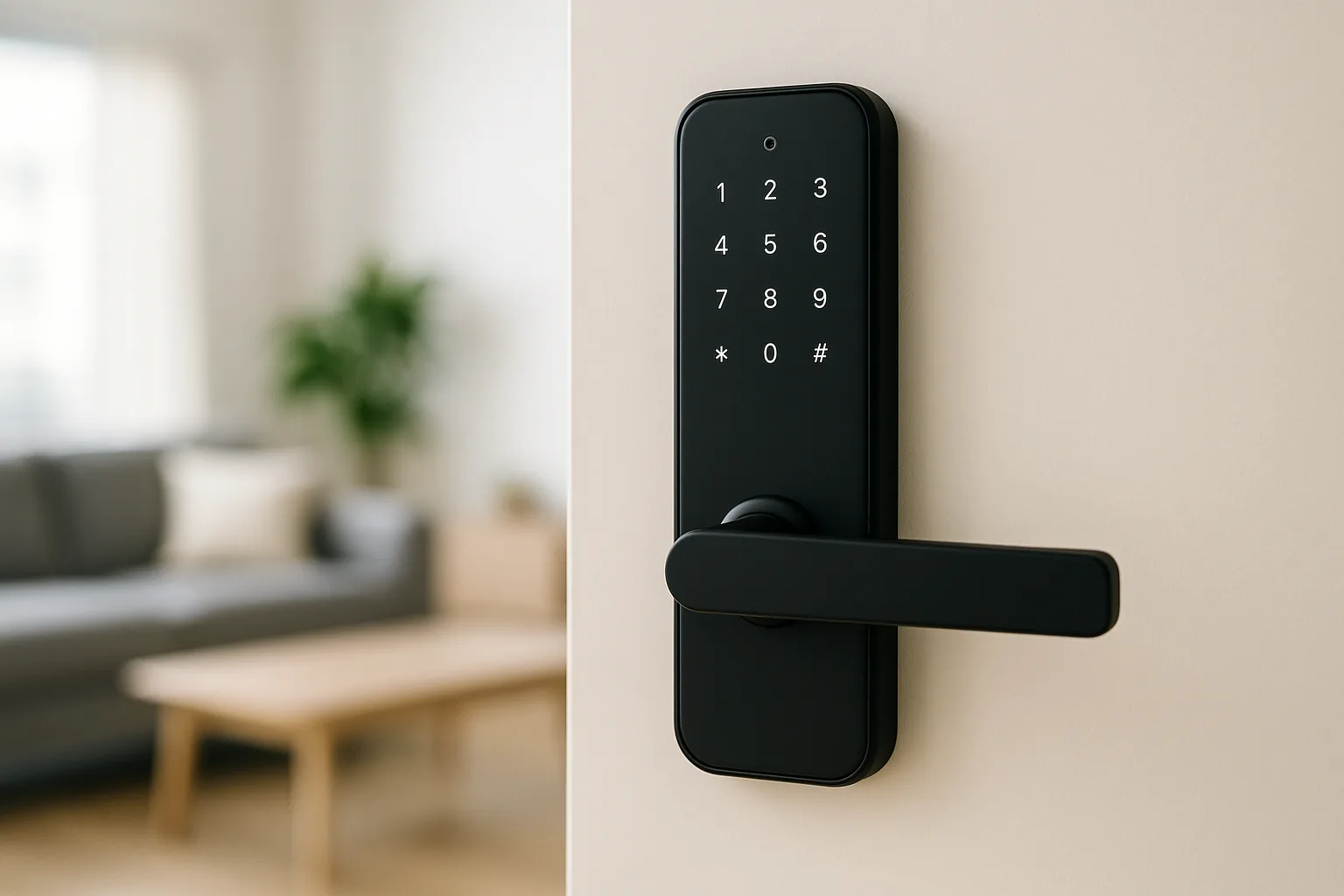
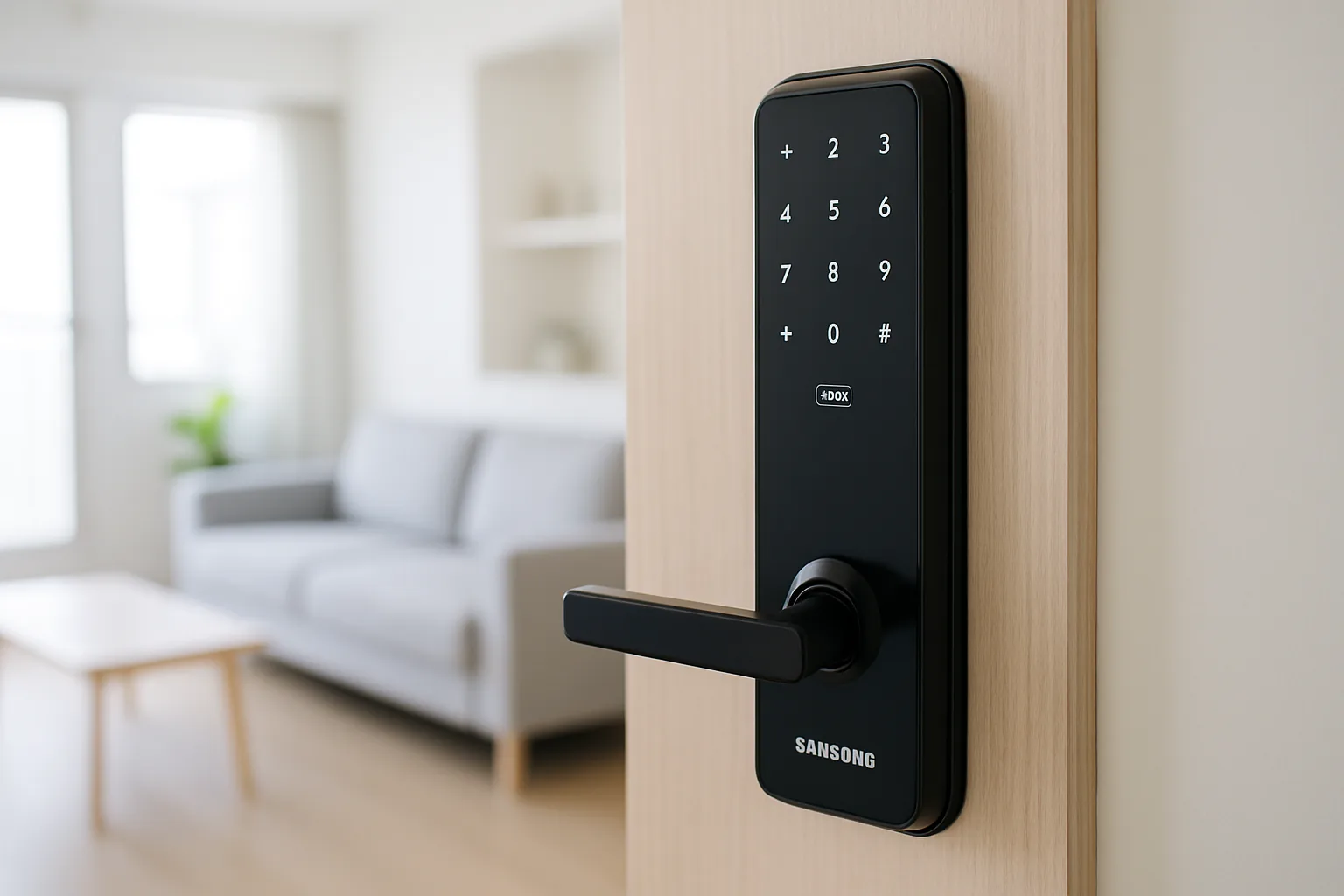
The SHP push-pull series is the sweet spot for most Singapore front doors, combining effortless push-pull entry with PIN and card access and Samsung’s reliable build. Just enter your code and push or pull the handle, no fiddly turning. It fits common HDB doors well, feels sturdy, and the auto-lock secures the door behind you. For a household that wants trusted, convenient, well-supported entry without over-complicating things, it is the standout pick.
Pros
- Effortless push-pull entry
- Trusted, sturdy build
- Auto-lock convenience
Cons
- Fingerprint on higher models only
- Premium over basic locks
Best for X
Samsung Fingerprint Push-Pull
For households that want the quickest possible entry, the fingerprint-equipped push-pull Samsung adds biometric access on top of PIN and card. A quick touch of a registered finger and you are in, which is ideal when your hands are full or you would rather not remember a code. The sensor copes with our humid, slightly damp fingers, and you keep PIN and card as backups. It costs more, but the daily convenience of fingerprint entry is hard to give up.
Pros
- Fast fingerprint entry
- Multiple backup methods
- Convenient for busy homes
Cons
- Higher price
- More to register and set up
Best Value
Samsung SHS Deadbolt Lock
The SHS deadbolt-style lock is a straightforward, well-priced way to go keyless with Samsung reliability. It offers PIN and card entry with a key backup, fits many HDB doors, and covers the security basics soundly. Without the push-pull handle or fingerprint it is simpler, but for many households that is exactly the point: fewer features to fuss over and a lower price. A dependable value choice for those who just want solid keyless entry.
Pros
- Affordable Samsung reliability
- PIN, card, and key backup
- Simple to use
Cons
- No push-pull handle
- Fewer convenience features
Best for X
Samsung Gate Lock (rim)
Many Singapore households lock the metal gate as their main daily habit, and the slim Samsung rim-style gate lock is designed to fit narrow metal gate frames. It offers keyless PIN and card entry so you can secure the gate without a physical key, and pairs neatly with a main-door lock for a fully keyless setup. If your routine is locking the gate rather than the door, this is the piece that completes the picture.
Pros
- Slim fit for metal gates
- Keyless gate access
- Pairs with a main-door lock
Cons
- Narrower feature set
- Needs a compatible gate
The verdict
Samsung’s SHP push-pull lock is the best all-round choice for most Singapore front doors, blending trusted reliability with effortless daily entry. Step up to the fingerprint model for the fastest access, or add the rim gate lock if securing the metal gate is your everyday habit.
Frequently asked questions
Will a Samsung digital lock fit my HDB fire-rated door?
Most Samsung SHP and SHS locks are designed to fit common HDB fire-rated doors, but a professional site survey before purchase is the safest approach. Door thickness, existing cut-outs, and whether you also want a gate lock all affect the fit. Buying through a local installer ensures the right model and a proper installation that keeps your fire-rated door compliant.
What happens if the Samsung lock battery runs out?
The lock gives repeated low-battery warnings well ahead of failure, so you usually have plenty of time to swap the batteries. Many Samsung models also have an emergency power terminal you can briefly power to unlock, and some include a mechanical key backup. Keep spare batteries at home and you should never be locked out unexpectedly.
Do Samsung locks have fingerprint entry?
The higher-end Samsung models include fingerprint sensors alongside PIN and card entry, while the more basic SHS models rely on PIN, card, and key. If fingerprint entry is important to you, choose one of the fingerprint-equipped push-pull models. The sensors generally work well even with the slightly damp fingers common in our humid climate.
Are Samsung digital locks secure enough for Singapore homes?
Yes, Samsung is a well-established lock maker and its models include security features like anti-peep PIN entry, auto-lock, and tamper alerts, which suit typical high-rise living where the main door and gate are the key points. Pairing the lock with your existing metal gate adds a further layer. Professional installation and keeping your PIN private matter as much as the lock itself.
Can I add temporary PINs for a helper or guests?
Yes, Samsung locks let you register multiple PIN codes and cards, so you can give a domestic helper, cleaner, or family member their own access. On app-connected premium models you can manage codes remotely and grant temporary access more flexibly. Remember to remove any code you no longer want active, such as after a one-off visit.
Related guides
Planning a smarter home?
Tell us your space and budget — we’ll point you to the right devices, or connect you with a supplier.