Reviews are independent. Prices are indicative (SGD) and change often — always check the latest price before buying. We may earn a commission from some links.
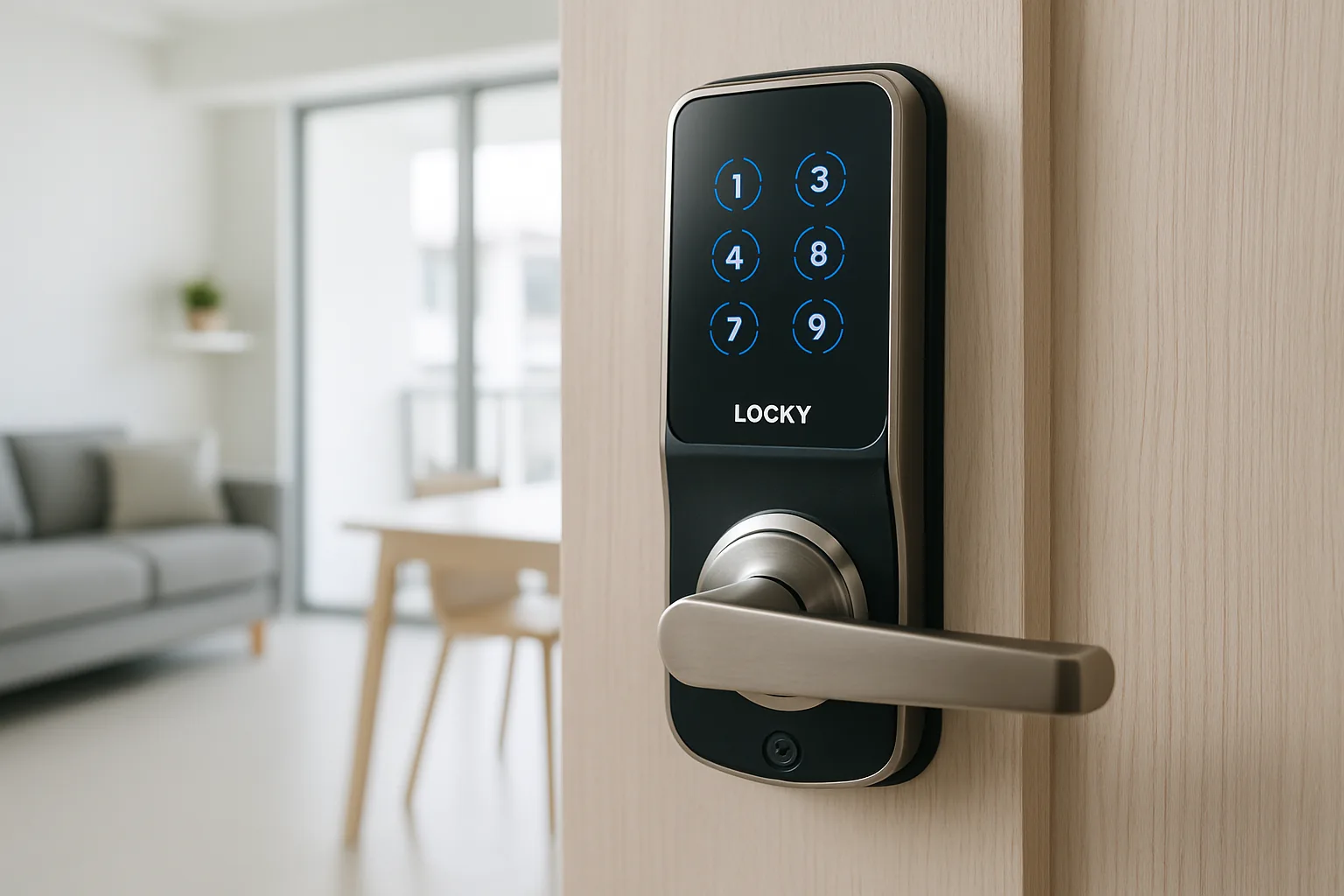
A Lockly smart lock stands out in Singapore for its patented PIN Genie keypad, where the numbers shuffle position each time so nobody can guess your code from smudges or an over-the-shoulder glance. For homeowners who care about keypad security alongside fingerprint and app entry, Lockly’s range — from the video-equipped Vision to the retrofit Flex — is well worth comparing against Yale, Kaadas and Aqara before you commit to a main-door lock.
This guide is for HDB and condo owners weighing Lockly’s models for a main or bedroom door. We chose picks based on genuine SG availability, HDB and retrofit fitment, unlock methods (the shuffling PIN, fingerprint, app and card on some models), whether Wi-Fi is built in or needs a hub, backup access in a power failure, and SGD value through authorised sellers and marketplaces. Lockly’s keypad approach is genuinely different, so we’ve been clear about where it shines and where a more traditional lock might suit you better.
What to look for in Singapore
- PIN Genie keypad: Lockly’s shuffling keypad resists smudge and shoulder-surfing attacks, which is a genuine security advantage over fixed keypads.
- Door compatibility: confirm whether you need a deadbolt, latch or push-pull style for your HDB or condo door before ordering.
- Connectivity: some models have built-in Wi-Fi while others need a Lockly Secure Link hub for remote unlock and alerts.
- Unlock methods: look for fingerprint plus the shuffling PIN and app, so everyone has a fast, reliable fallback.
- Retrofit versus full replace: the Flex retrofits over your existing deadbolt, while other models fully replace the lock.
- Backup power and key: verify emergency USB power and a mechanical key override for flat-battery days.
- Voice and app support: check Google Home or Alexa if you want status checks and routines alongside the Lockly app.
- Local warranty: buy from an authorised SG seller so servicing and warranty are properly covered.
At a glance
| Model | Best for | Key spec | Indicative price | Rating |
|---|---|---|---|---|
| Lockly Secure Pro | Overall | Shuffling PIN + fingerprint, built-in Wi-Fi | $350–$550 | ★★★★½ |
| Lockly Vision | See-who’s-there | Built-in video doorbell + lock | $550–$800 | ★★★★½ |
| Lockly Flex | Retrofit / renters | Retrofits deadbolt, keeps key | $300–$480 | ★★★★ |
| Lockly Visage | Face recognition | Face + fingerprint + PIN | $500–$750 | ★★★★ |
| Lockly Secure Plus | Value fingerprint | Shuffling PIN + fingerprint, hub for remote | $280–$450 | ★★★★ |
The picks
Editor’s Choice
Lockly Secure Pro
The best all-round Lockly for most SG homes: the shuffling PIN Genie keypad plus fast fingerprint, with built-in Wi-Fi so you get remote unlock and alerts without a separate hub. It combines strong anti-peek security with everyday convenience, making it the easiest Lockly to recommend for a main door.
Pros
- Anti-peek shuffling keypad
- Built-in Wi-Fi remote control
- Fast fingerprint unlock
Cons
- Deadbolt style may not suit all doors
- Premium price
Best with camera
Lockly Vision
Combines a smart lock and a video doorbell, so you can see and speak to visitors and unlock remotely from one device. It’s ideal for homes that want a camera at the door without a separate doorbell unit, and it keeps the same shuffling-keypad security as the rest of the range.
Pros
- Lock + video doorbell in one
- Two-way talk and remote unlock
- Shuffling keypad security
Cons
- Higher price
- Bulkier fitment to verify
Best retrofit
Lockly Flex
Retrofits over your existing deadbolt while keeping your original key, adding fingerprint, the shuffling PIN and app unlock. It’s a great, reversible option for renters or anyone avoiding a full lock swap, letting you restore the original setup easily if you move out.
Pros
- Keeps existing key
- Reversible retrofit install
- Full Lockly unlock methods
Cons
- Depends on your existing deadbolt
- Not a push-pull upgrade
Best for face unlock
Lockly Visage
Adds fast face recognition on top of fingerprint and the shuffling PIN for near-instant hands-free entry. It’s a premium pick for households that want the quickest possible unlock, and the face reader is handy when your hands are full of shopping or a child.
Pros
- Face recognition entry
- Multiple secure unlock modes
- Very fast access
Cons
- Premium pricing
- Face unlock may need good positioning
Best Value
Lockly Secure Plus
A more affordable way into Lockly’s signature security, pairing the shuffling PIN Genie keypad with fingerprint entry. Remote features come via the optional Secure Link hub, making it a smart pick for budget-conscious homes that still want the anti-peek keypad advantage.
Pros
- Shuffling keypad at a lower price
- Reliable fingerprint entry
- Good value
Cons
- Needs hub for remote unlock
- Fewer extras than the Pro
The verdict
For most Singapore homes the Lockly Secure Pro is the best balance of anti-peek keypad security, fingerprint and built-in Wi-Fi; pick the Vision for a camera at the door, the Flex for a reversible retrofit, or the Secure Plus to save money.
Frequently asked questions
What makes Lockly smart locks different in Singapore?
Lockly’s signature is the PIN Genie keypad, where the numbers reshuffle each time so fingerprints and smudges can’t reveal your code, and no one can memorise it from watching. Combined with fingerprint and app entry, it’s a strong choice for security-conscious homeowners who worry about keypad snooping.
Do Lockly locks work in HDB flats?
Yes, but fitment depends on your door type and thickness — some Lockly models are deadbolt-style while the Flex retrofits an existing deadbolt. Check compatibility with your HDB or condo door, and buy from a seller who can advise on installation to avoid a poor fit.
Does a Lockly lock need a hub for remote unlocking?
Models like the Secure Pro have built-in Wi-Fi for remote control, while others such as the Secure Plus need a Lockly Secure Link hub for away-from-home unlocking and alerts. If remote access matters, pick a built-in Wi-Fi model or budget for the hub upfront.
What happens if the Lockly battery dies?
Lockly locks warn you with low-battery alerts and include backups — typically a USB port to power the lock temporarily plus a mechanical key override. You won’t be locked out as long as you respond to the warnings and change the batteries in good time.
Is Lockly better than Yale or Kaadas in Singapore?
Lockly leads on keypad anti-peek security and built-in Wi-Fi on some models, while Yale and Kaadas offer wider local installer networks and more push-pull main-door options. Choose Lockly for keypad security; consider Yale or Kaadas if you want the most extensive local servicing.
Related guides
Planning a smarter home?
Tell us your space and budget — we’ll point you to the right devices, or connect you with a supplier.

