Reviews are independent. Prices are indicative (SGD) and change often — always check the latest price before buying. We may earn a commission from some links.
A home CCTV camera has become one of the most popular smart-home buys in Singapore, and for good reason. Whether you want to keep an eye on the front door, check in on an elderly parent, watch the helper and the kids while at work, or simply have a record if anything happens along the common corridor, a good camera gives real peace of mind. Modern cameras are cheap, easy to set up over your home Wi-Fi, and stream straight to your phone, so you no longer need a complicated wired system with a bulky recorder.
But there are local considerations that generic reviews miss. HDB corridor cameras have specific rules about where you can point them, storage choices affect your monthly costs and privacy, and our humid weather and occasional heavy rain matter for any outdoor placement. In this guide we focus on cameras you can actually buy and support here, and we frame the advice around real Singapore use: indoor monitoring, corridor and gate coverage, night vision that works in dim stairwells, and whether to store footage locally on a card or pay for cloud. The goal is a setup that is genuinely useful, not just gadgetry.
What to look for in Singapore
- Decide between indoor and outdoor placement, as corridor and gate cameras need weather resistance for our rain and humidity.
- Clear 2K or higher resolution helps you actually identify faces and details rather than just see blurry movement.
- Reliable night vision matters for dim HDB corridors, stairwells, and darkened rooms at night.
- Local microSD storage avoids monthly fees, while cloud storage protects footage if the camera is taken.
- A wide field of view covers more of a room or corridor from a single camera position.
- Motion and person detection with phone alerts keeps you informed without constant live-watching.
- Two-way audio is useful for speaking to family, the helper, or a delivery person at the door.
- Check HDB and privacy guidelines for corridor cameras so your placement respects neighbours and the rules.
At a glance
| Model | Best for | Key spec | Indicative price | Rating |
|---|---|---|---|---|
| TP-Link Tapo Indoor Cam — Overall | Home monitoring | 2K, pan-tilt, microSD | $40-$90 | ★★★★★ |
| Tapo Outdoor Cam — Corridor and gate | Outdoor coverage | Weatherproof, night vision | $70-$150 | ★★★★½ |
| Aqara Camera — Smart-home homes | Aqara ecosystem | Local storage, hub features | $80-$180 | ★★★★½ |
| Xiaomi Smart Camera — Value | Budget indoor | Good clarity, app control | $40-$80 | ★★★★ |
| Samsung / Premium Cam — Feature-rich | Higher-end setups | High resolution, robust app | $150-$300 | ★★★★ |
The picks
Editor’s Choice
TP-Link Tapo Indoor Cam
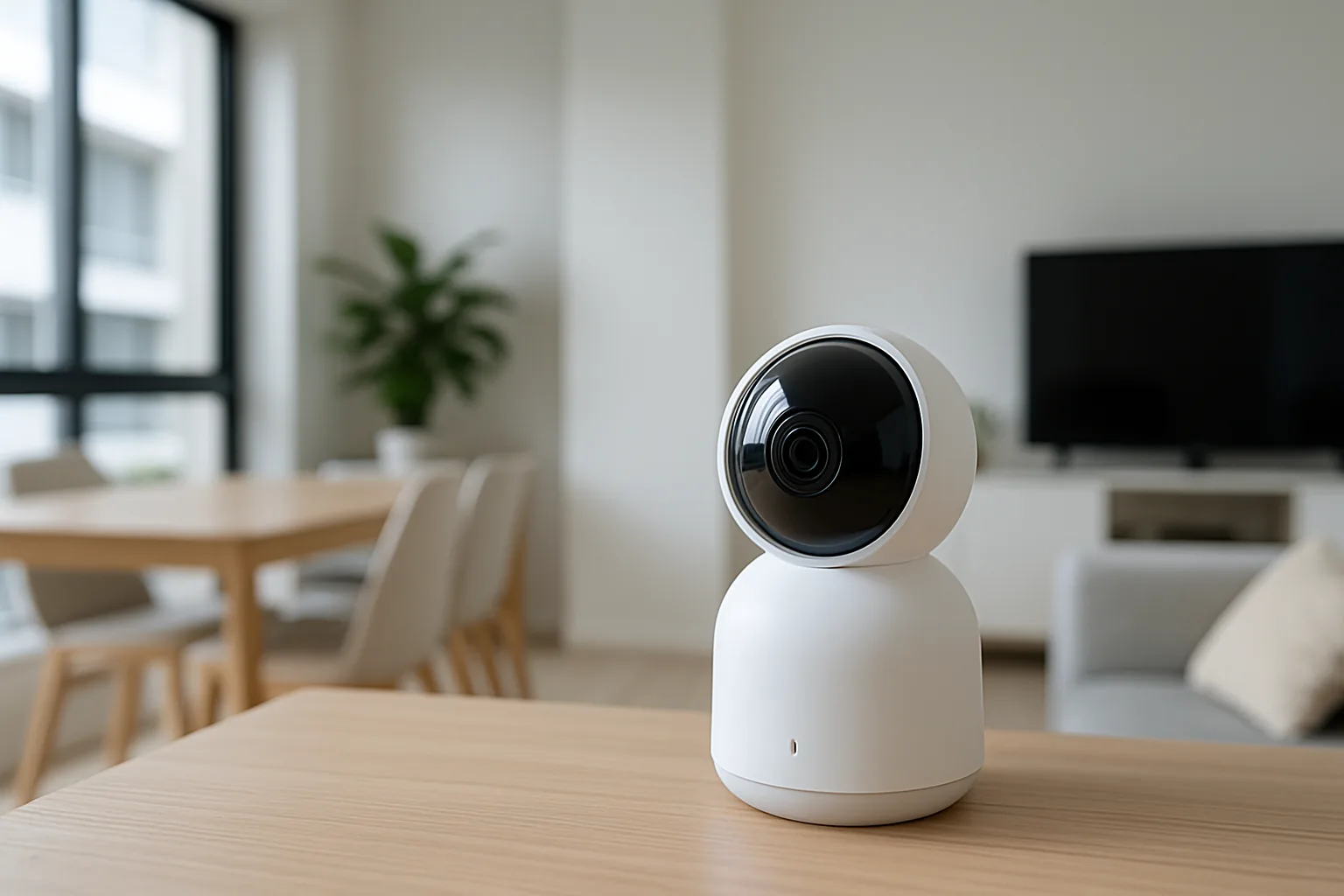
The Tapo indoor camera is the default recommendation for most Singapore homes because it does almost everything well for very little money. Sharp 2K video, pan-and-tilt to sweep a whole room, solid night vision, and free local microSD storage mean no compulsory monthly fees. The app is straightforward, motion alerts are reliable, and two-way audio lets you check in on family or the helper. For keeping an eye on the living room, nursery, or an elderly parent, it is superb value.
Pros
- Sharp 2K with pan-tilt
- Free local microSD storage
- Reliable app and alerts
Cons
- Indoor use only
- Cloud storage is a paid extra
Best for X
Tapo Outdoor Cam
For the front door, common corridor, or a landed home’s gate, the weatherproof Tapo outdoor camera stands up to our heavy rain and humidity. It delivers clear video with strong night vision for dim stairwells, and person detection cuts down false alerts from passing insects or shadows. Local storage keeps running costs down. Just mind HDB corridor guidelines on where you point it, and it becomes a dependable eye on your entrance.
Pros
- Weatherproof for outdoors
- Good night vision
- Person detection alerts
Cons
- Needs power near the mount point
- Mind corridor placement rules
Best for Smart Homes
Aqara Camera
If you are building an Aqara smart-home setup, its cameras integrate neatly and some double as a hub for other Aqara sensors and devices. You get local storage options, solid video, and the ability to trigger automations, such as lights coming on when motion is detected. For households already invested in the ecosystem, it is the natural choice that adds security and smart-home smarts in one device rather than a standalone camera.
Pros
- Integrates with Aqara ecosystem
- Local storage options
- Can trigger automations
Cons
- Best value only within Aqara
- App has a learning curve
Best Value
Xiaomi Smart Camera
Xiaomi’s indoor cameras offer clear video, app control, and night vision at a rock-bottom price, making them a great choice for a simple second camera or a first foray into home monitoring. Setup over Wi-Fi is quick and the app is easy to use. You give up some of the polish and integration of pricier options, but for basic room monitoring and checking in on family or pets, the value is hard to beat.
Pros
- Very affordable
- Clear video and night vision
- Easy Wi-Fi setup
Cons
- Indoor only
- Fewer advanced features
The verdict
For most Singapore homes the TP-Link Tapo indoor camera is the standout, combining sharp video, free local storage, and low cost. Add a weatherproof Tapo outdoor unit for the entrance, and mind the corridor placement guidelines for a setup that is useful and neighbourly.
Frequently asked questions
Can I install a CCTV camera along my HDB corridor?
You can, but there are guidelines to follow. Corridor cameras should generally focus on your own unit’s entrance and avoid pointing into neighbours’ homes or capturing more of the shared space than necessary. It is worth checking the latest HDB and town council rules and, for anything mounted in the common area, being considerate of neighbours’ privacy to avoid disputes.
Should I choose local microSD or cloud storage?
Local microSD storage avoids monthly fees and keeps footage in your hands, which suits most home users. Cloud storage costs a subscription but protects your footage if the camera is stolen or damaged. Many people use a microSD card as the main store and add cloud only for cameras covering the entrance, where losing the footage would matter most.
Do home CCTV cameras work well at night?
Yes, most modern cameras have infrared night vision that produces usable black-and-white footage in near-darkness, which suits dim HDB corridors and darkened rooms. Some higher-end models add colour night vision if there is a little ambient light. Check the stated night-vision range and place the camera where a nearby corridor or streetlight can assist.
Will an outdoor camera survive Singapore’s rain and humidity?
A camera rated for outdoor use with a proper weatherproofing rating will handle our heavy rain and humidity, provided it is mounted under some shelter where possible, such as a corridor ceiling or eave. Avoid using indoor-only cameras outside. Positioning it out of direct driving rain and strong afternoon sun helps it last longer.
Can I watch the camera and talk through it from my phone?
Yes, virtually all home cameras stream live to a phone app and most include two-way audio, so you can both see and speak through the camera. This is handy for checking in on an elderly parent, telling a delivery person where to leave a parcel, or reassuring a pet. You will need a stable home Wi-Fi connection for smooth streaming.
Related guides
Planning a smarter home?
Tell us your space and budget — we’ll point you to the right devices, or connect you with a supplier.

