Reviews are independent. Prices are indicative (SGD) and change often — always check the latest price before buying. We may earn a commission from some links.
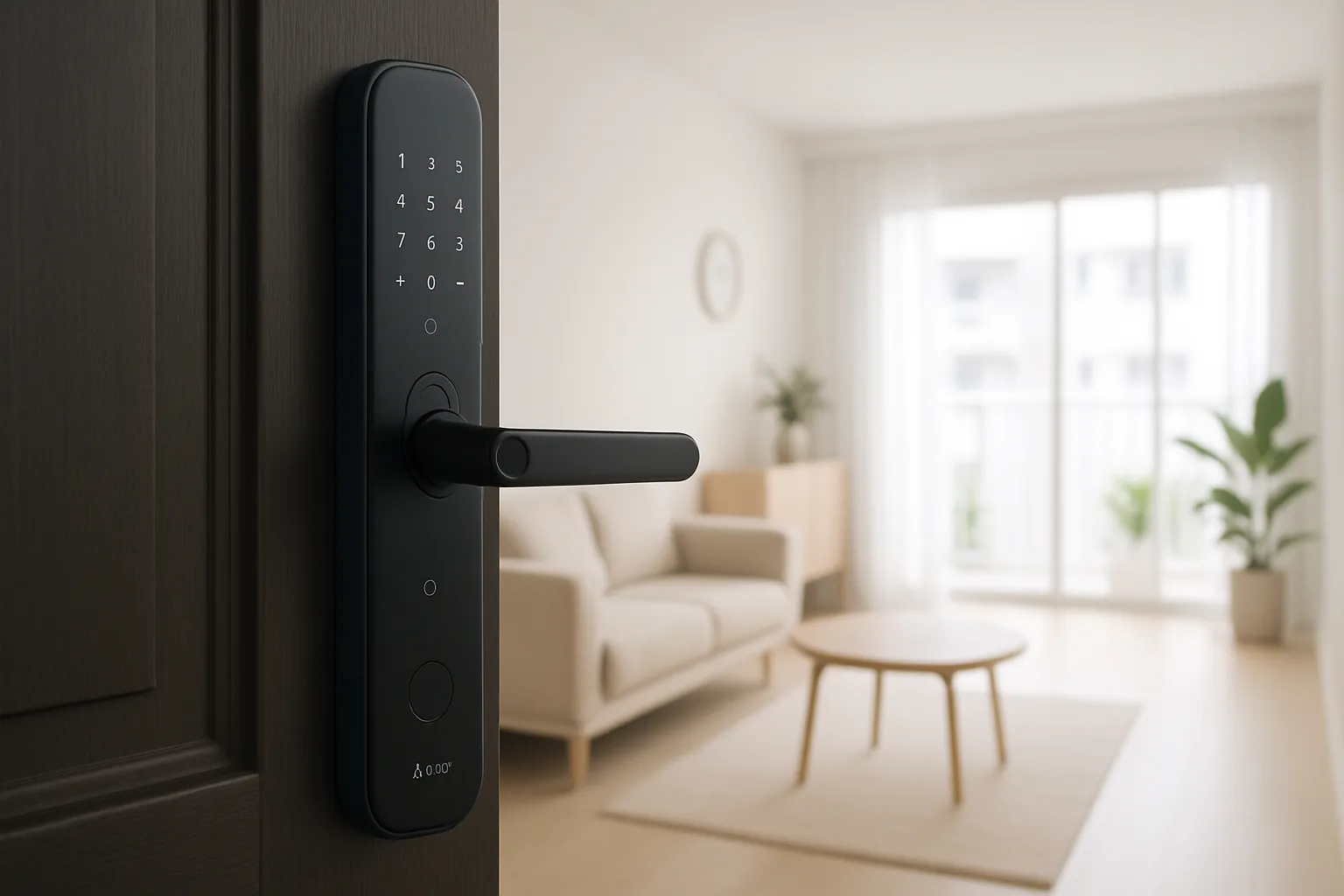
If you’ve searched for the Aqara D100 smart lock in Singapore, it’s worth knowing upfront that Aqara’s actual smart-lock lineup here is branded as the U-series — the U50, U100, U200 and U300 — which are the models SG buyers should compare. These are the doorknob, retrofit and push-pull locks that plug into Aqara’s ecosystem, giving you fingerprint, PIN, card and app entry with the same fast, hub-based local control as the rest of Aqara’s smart-home range.
This guide is for SG homeowners who want an Aqara-branded lock that ties into their existing Aqara hub, sensors and Apple Home or Google Home setup. We chose picks around genuine SG availability, HDB and condo door compatibility, whether the lock works over Bluetooth alone or needs a hub for remote features, backup access in a power failure, and SGD value — rather than chasing a model number that isn’t actually sold locally. Getting the right U-series model for your door type is far more important than the label on the listing.
What to look for in Singapore
- Correct model naming: Aqara’s SG locks are the U50, U100, U200 and U300, so match the door type (rim versus mortise versus push-pull versus retrofit) to your home.
- Hub for remote access: local Bluetooth unlocking works standalone, but away-from-home control, remote PINs and logs generally need an Aqara hub.
- HDB door fit: confirm the lock suits HDB fire-rated main doors and your exact door thickness before ordering to avoid a costly return.
- Entry methods: look for fingerprint, PIN, Aqara NFC card and app unlock so every family member has a fallback that suits them.
- Apple Home and Google support: verify HomeKit or Google Home integration if you want voice status checks and automations tied to your lock.
- Backup power and key: check for a USB-C emergency power port and, where offered, a mechanical key override for flat-battery situations.
- Local warranty and installer: buy from an authorised SG seller so fitting, servicing and warranty are all covered.
- Battery life and alerts: prioritise long battery life with clear low-battery notifications, given how humid and warm our climate is.
At a glance
| Model | Best for | Key spec | Indicative price | Rating |
|---|---|---|---|---|
| Aqara Smart Lock U100 | Overall | Push-pull, HomeKit, fingerprint + Apple key | $400–$650 | ★★★★½ |
| Aqara Smart Lock U200 | Retrofit over existing | Keeps your cylinder, NFC + app | $350–$550 | ★★★★ |
| Aqara Smart Lock U300 | Rim-lock HDB doors | Rim install, fingerprint + PIN | $400–$600 | ★★★★ |
| Aqara Smart Lock U50 | Value entry | Fingerprint + PIN, hub-ready | $250–$400 | ★★★★ |
| Aqara Hub M3 | Remote access + automations | Zigbee/Matter hub for locks | $120–$200 | ★★★★ |
The picks
Editor’s Choice
Aqara Smart Lock U100
The closest to what most ‘Aqara D100’ searchers actually want: a push-pull smart lock with fingerprint, PIN, NFC card and Apple Home key support. It integrates tightly with the Aqara ecosystem and is a strong fit for SG main doors, letting you unlock with a fingerprint, your iPhone or an Apple Watch in about a second.
Pros
- Apple Home key + HomeKit
- Fast fingerprint and app entry
- Solid push-pull handle
Cons
- Best features need an Aqara hub
- Professional install advised
Best retrofit
Aqara Smart Lock U200
Designed to retrofit over your existing deadbolt cylinder while keeping your original key, adding NFC, PIN and app unlock. It’s ideal for renters or anyone who wants smart access without a full lock replacement, and the reversible install makes it easy to restore the original lock later if needed.
Pros
- Keeps existing key
- Easier reversible install
- NFC + app unlock
Cons
- Depends on your existing cylinder
- Not a full push-pull upgrade
Best for HDB doors
Aqara Smart Lock U300
A rim-style Aqara lock that suits many HDB main doors, with fingerprint and PIN entry plus full ecosystem integration. It’s a practical middle option when a push-pull isn’t the right fit for your door, and it still connects to your Aqara sensors and automations.
Pros
- Good HDB rim-door fit
- Fingerprint + PIN
- Aqara ecosystem support
Cons
- Rim look not for everyone
- Hub needed for remote features
Best Value
Aqara Smart Lock U50
The most affordable way into Aqara locks, covering the essentials — fingerprint and PIN entry with hub-ready connectivity. It’s a sensible pick for budget-conscious homes already invested in Aqara sensors, giving you keyless entry without stretching the budget.
Pros
- Lowest Aqara price
- Reliable fingerprint + PIN
- Hub-ready
Cons
- Fewer premium features
- Limited unlock methods versus U100
Essential companion
Aqara Hub M3
Not a lock itself, but the piece that unlocks remote control, access logs and automations for any Aqara U-series lock, plus Matter and Thread bridging into Apple Home and Google Home. If you want to check or unlock your door while you’re out, this is the companion to budget for.
Pros
- Enables remote unlock + logs
- Matter/Thread bridging
- Powers wider automations
Cons
- Extra upfront cost
- Best placed centrally for range
The verdict
Skip the ‘D100’ label and go for the Aqara Smart Lock U100 as the best push-pull option in Singapore, or the U200 if you want a reversible retrofit that keeps your existing key — and pair either with an Aqara Hub M3 for full remote access.
Frequently asked questions
Is there really an Aqara D100 smart lock in Singapore?
Aqara’s smart locks sold in Singapore are branded as the U-series — U50, U100, U200 and U300 — rather than a ‘D100’. If you saw a D100 listing, check it carefully; the genuine, locally supported Aqara locks are the U-series, and those are the ones we recommend for reliable app support and warranty.
Does an Aqara lock need a hub to work?
You can unlock locally via fingerprint, PIN, card or Bluetooth without a hub, but remote unlocking, access logs and automations generally need an Aqara hub such as the M3. If you want away-from-home control or to tie the lock into wider automations, budget for a hub from the start.
Do Aqara locks work with Apple HomeKit in Singapore?
Yes — models like the U100 support Apple Home and Apple Home key, letting you unlock with your iPhone or Apple Watch and use Siri for status. Google Home and Alexa integrations are also available through the Aqara hub, so most households are covered.
Are Aqara locks suitable for HDB fire doors?
Several U-series models suit HDB fire-rated main doors, but fit depends on door thickness and whether you need a rim, mortise, retrofit or push-pull style. Buy from an authorised SG dealer who can confirm compatibility and install it properly, as a poor fit undermines security.
What happens if the Aqara lock battery dies?
Aqara locks give low-battery alerts and include emergency options such as a USB-C power port and, on most models, a mechanical key backup. Respond to the alerts and keep the backup key handy to avoid any lockout, especially in our humid climate where you shouldn’t push batteries to the limit.
Related guides
Planning a smarter home?
Tell us your space and budget — we’ll point you to the right devices, or connect you with a supplier.

